Lighting 93
Switch the indicator off manually by
moving the lever to its original
position.
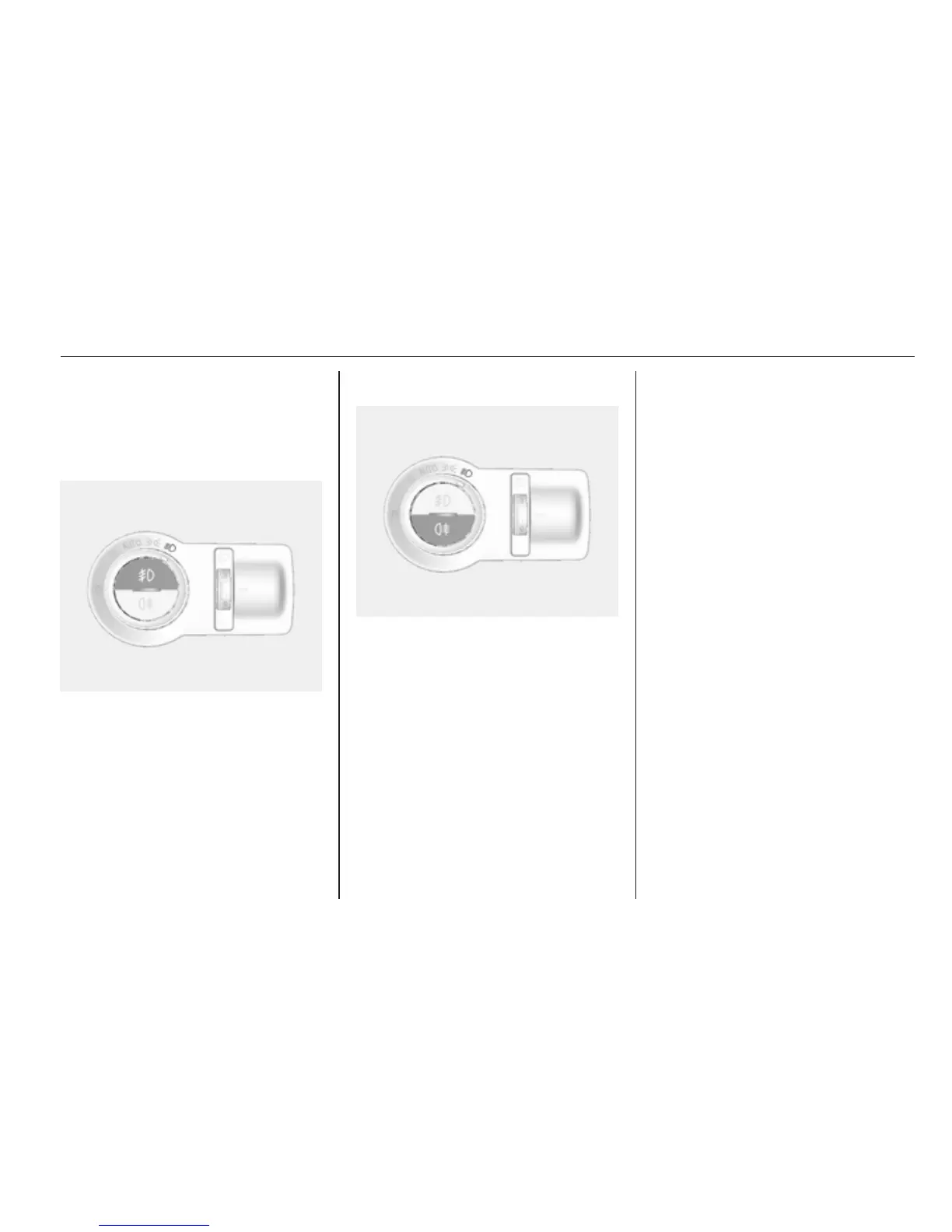
Front fog lights
To turn the front fog light on, press the
> button.
The front fog indicator is illuminated
when the front fog lights are on.
To turn off, press the button again.
Rear fog lights
Operated with the r button.
Light switch in position AUTO:
switching on rear fog light will switch
headlights on automatically.
Light switch in position 8: rear fog
light can only be switched on with
front fog lights.
The rear fog indicator is illuminated
when the rear fog light is on.
Reversing lights
The reversing light illuminates when
the ignition is on and reverse gear is
selected.
Misted light covers
The inside of the light housing may
mist up briefly in poor, wet and cold
weather conditions, in heavy rain or
after washing. The mist disappears
quickly by itself; to help switch on the
headlights.




 To Next Page