Instruments and controls 89
vehicle locator lights: Select On or
Off.
■ power door locks
unlocked door anti lock out: Select
On or Off.
delayed door lock: Select On or Off.
■ lock, unlock settings
remote unlock light feedback:
Select Flash Lights/ Lights off.
remote door unlock: Select All
Doors/ Driver Door.
relock remotely unlocked doors:
Select On or Off.
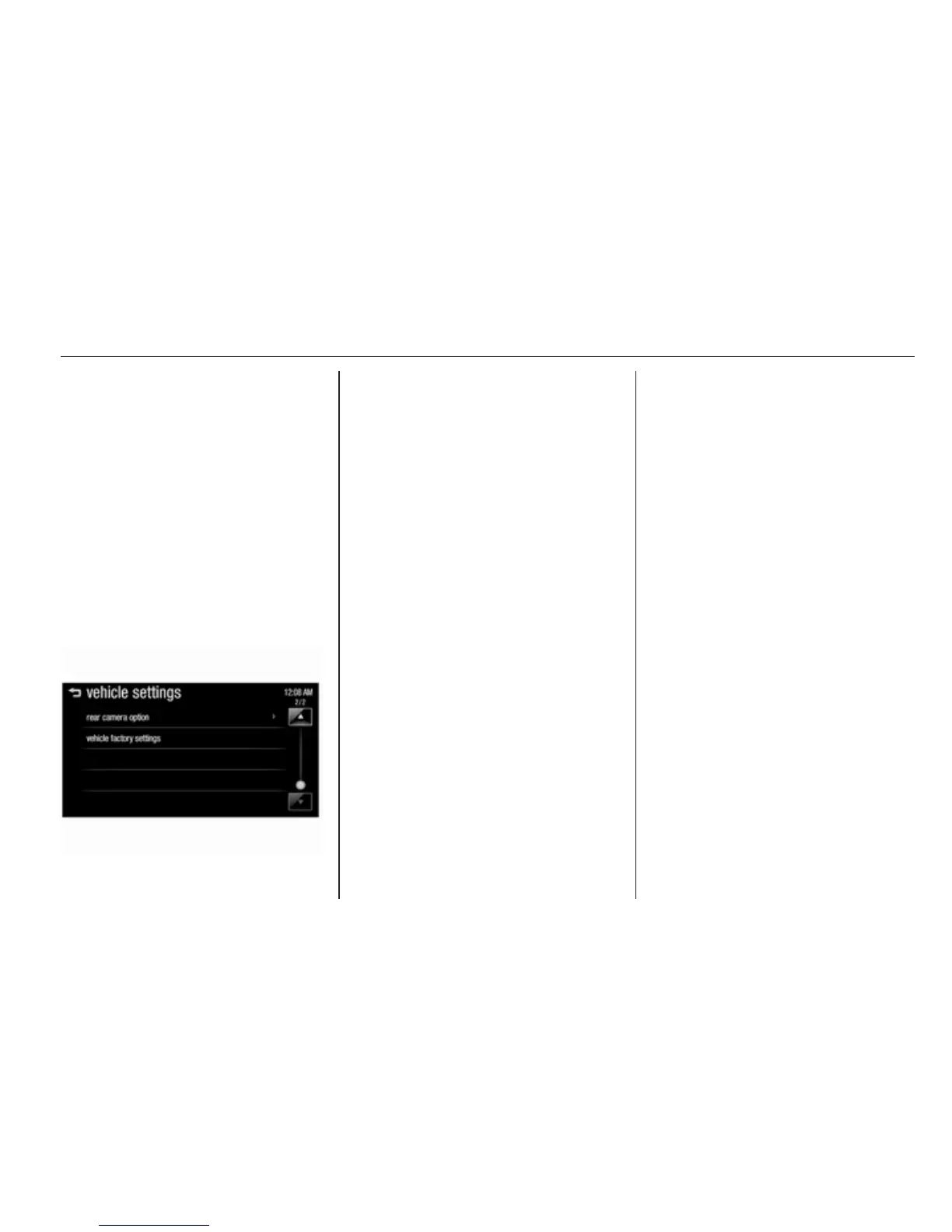
■ vehicle factory settings: Restore
the settings values back to the
factory default settings.
language
Selection of the desired language.
text scroll
See Infotainment manual for further
information.
touch beep volume
See Infotainment manual for further
information.
max startup volume
See Infotainment manual for further
information.
system version
See Infotainment manual for further
information.
DivX(R) VOD
See Infotainment manual for further
information.



 To Next Page