OnStar 329
OnStar
OnStar Overview
OnStar Overview . . . . . . . . . . . . . 329
OnStar Services
Emergency . . . . . . . . . . . . . . . . . . . 331
Security . . . . . . . . . . . . . . . . . . . . . . 331
Navigation . . . . . . . . . . . . . . . . . . . . 331
Connections . . . . . . . . . . . . . . . . . . 332
Diagnostics . . . . . . . . . . . . . . . . . . . 334
OnStar Additional Information
OnStar Additional
Information . . . . . . . . . . . . . . . . . . 334
OnStar Overview
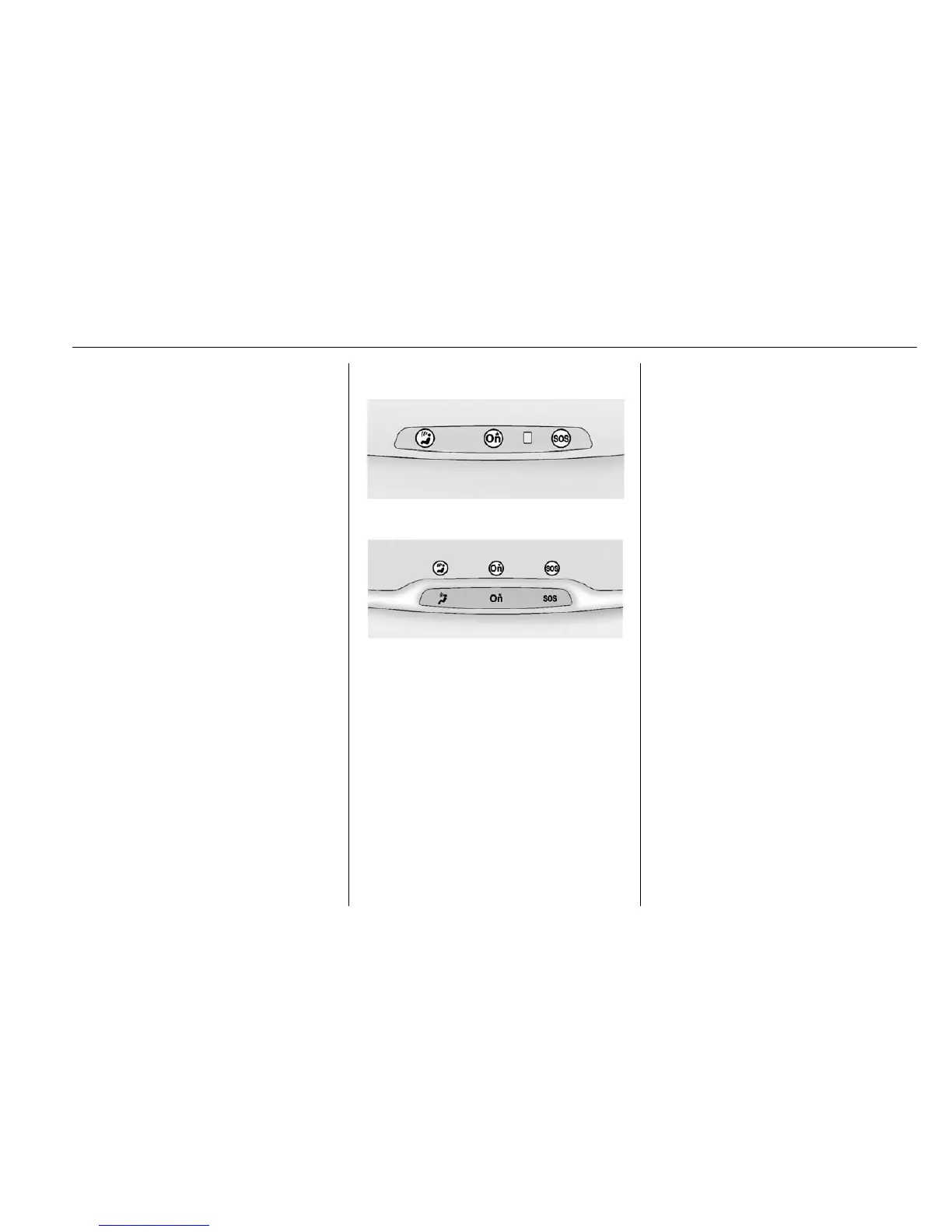
Manual Rearview Mirror
Automatic Dimming Rearview
Mirror
Q Voice Command Button
| Blue OnStar Button
U Red Emergency Button
This vehicle may be equipped with a
comprehensive, in-vehicle system
that can connect to an OnStar
Advisor for Emergency, Security,
Navigation, Connections, and
Diagnostics Services. OnStar
services may require a paid
subscription and data plan. OnStar
requires the vehicle battery and
electrical system, cellular service,
and GPS satellite signals to be
available and operating. OnStar acts
as a link to existing emergency
service providers. OnStar may
collect information about you and
your vehicle, including location
information. See OnStar’s Terms &
Conditions and Privacy Statement
for more details including system
limitations at www.onstar.com (U.S.)
or www.onstar.ca (Canada).
Manual and Automatic
Dimming Rearview Mirrors
.
Press the mirror controls.
If OnStar does not respond,
adjust finger position or remove
any gloves.
.
Avoid touching the controls while
adjusting the mirror. To cancel a
command press
Q.
.
Clean the mirror while the
vehicle is off to avoid making
calls.








 To Next Page