If a problem is detected, a warning message will
appear on the DIC display. Be sure to take
any message that appears on the display seriously
and remember that clearing the message will
only make the message disappear, not correct the
problem.
If your vehicle has the Head-Up Display (HUD)
and you use the Manual Paddle Shift feature, the
gear will display in the HUD, except if your
vehicle has the Navigation system and the HUD is
displaying turn-by-turn guidance information. If
the HUD is displaying turn-by-turn guidance
information, the gear instead displays in the DIC.
See “Manual Paddle Shift” under Automatic
Transmission Operation on page 95 and “Head-Up
Display (HUD)” in the index of the Navigation
system manual for more information.
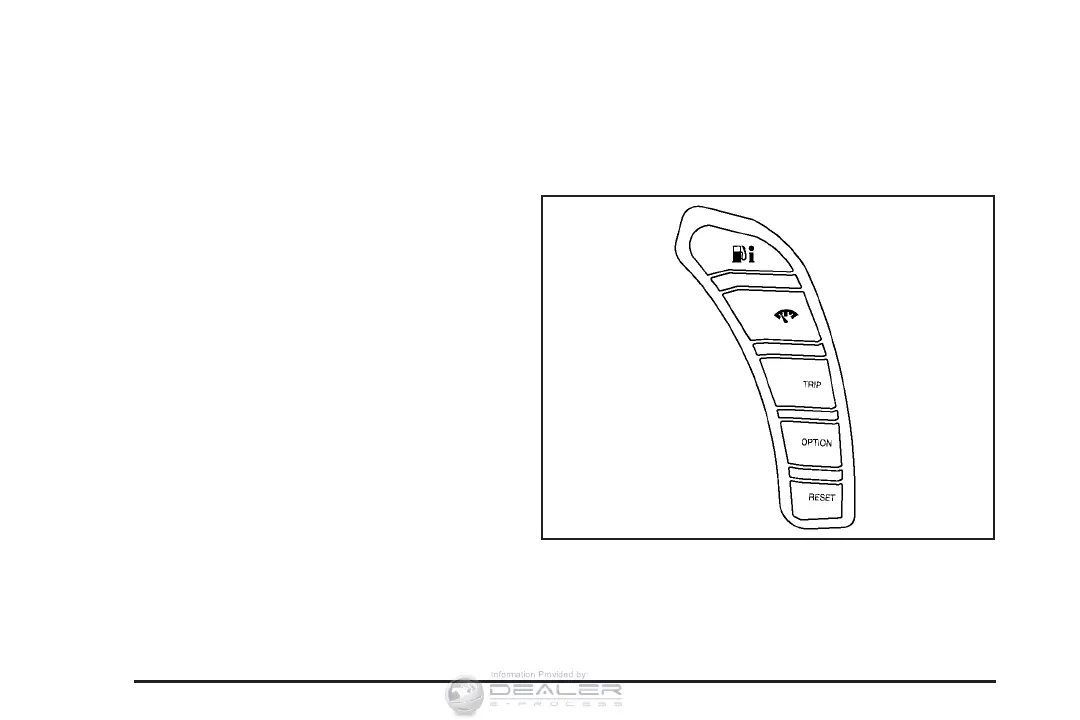
DIC Controls and Displays
The Driver Information Center (DIC) has different
modes which can be accessed by pressing
the following buttons located on the instrument
panel, to the right of the instrument panel cluster.
.4(Fuel): Press this button to display fuel
information such as fuel economy and range.
206









 To Next Page