1-6 In Brief
See Power Door Locks on
page 2‑11.
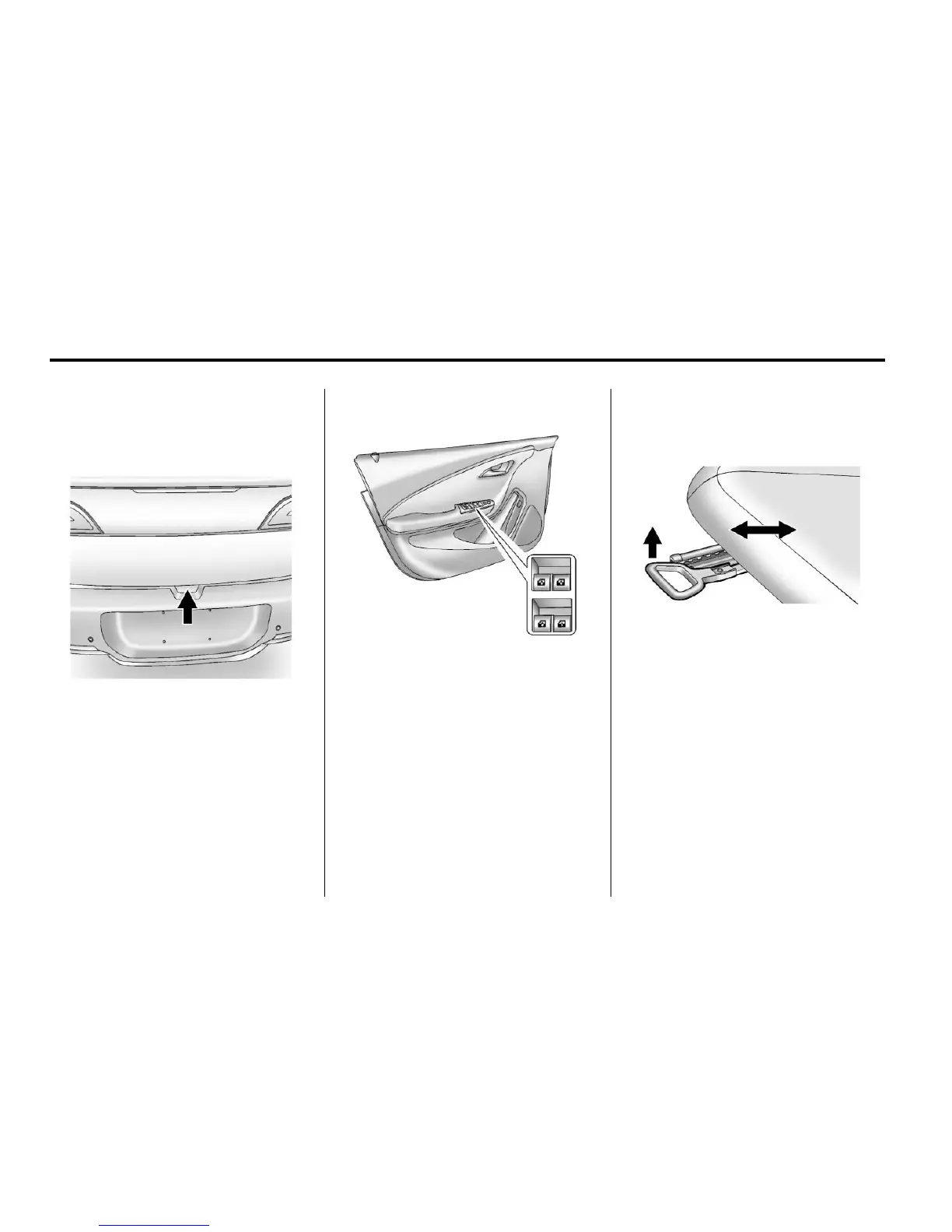
Hatch
To open the hatch, with all doors
unlocked, press the button on the
underside of the hatch and lift up.
Always close the hatch before
driving. Do not press the button
while closing the hatch; it will unlock
it again.
See Hatch on page 2‑12.
Windows
The power window switches
are on the driver door armrest.
Each passenger door has a switch
that controls only that window.
Press the front of the switch to lower
the window. Pull the switch up to
raise it.
The driver and passenger windows
have an express-down feature and
the driver window has express-up.
See Power Windows on page 2‑17.
Seat Adjustment
Seat Position
To adjust the seat position:
1. Pull the handle at the front of the
seat cushion to unlock it.
2. Move the seat forward or
rearward and release the
handle.
3. Try to move the seat back and
forth to be sure it is locked in
place.
See Seat Adjustment on page 3‑4.













 To Next Page