7-74 Infotainment System
Display
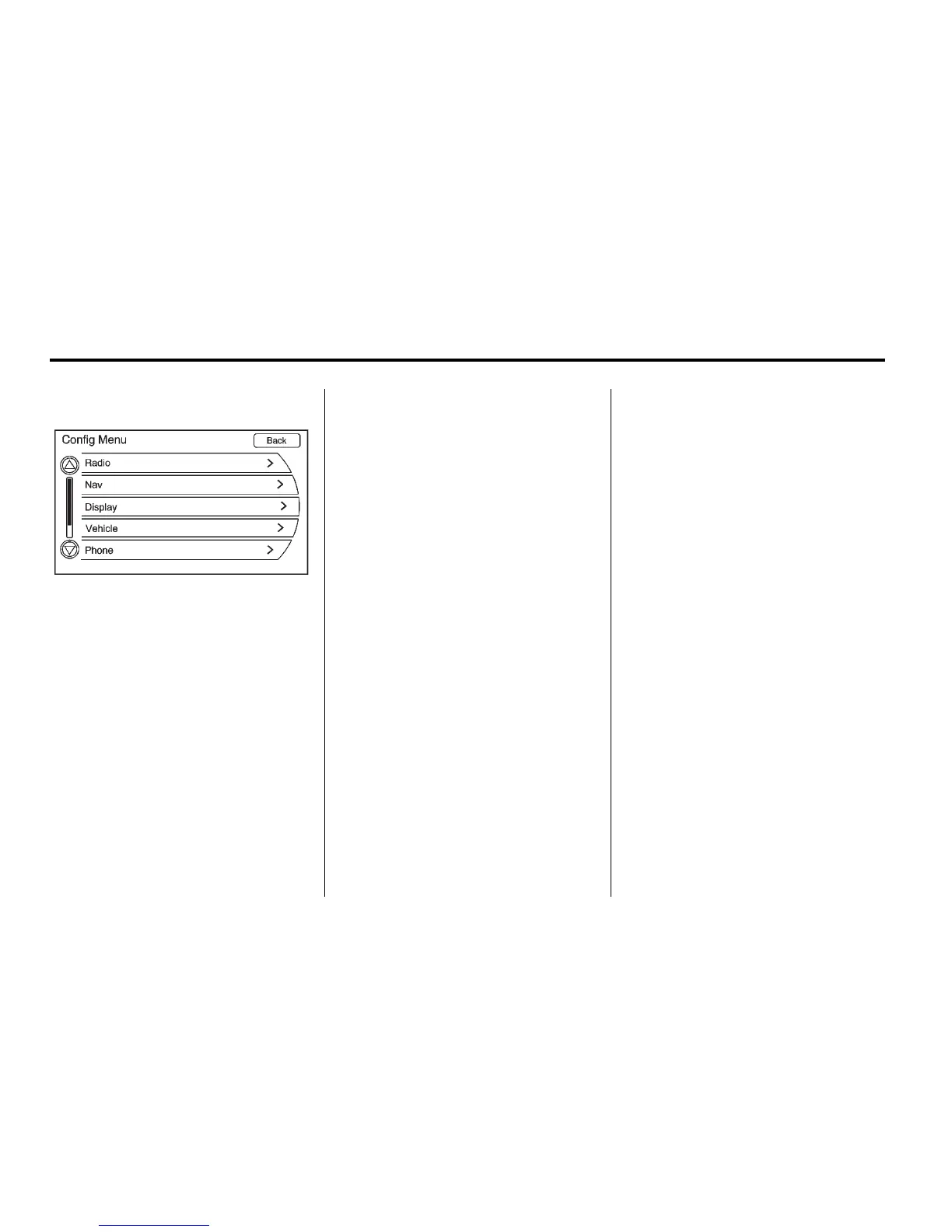
Press the CONFIG button to
enter the menu options. Turn the
TUNE/MENU knob to scroll through
the available setup features. Press
the TUNE/MENU knob or press the
Display screen button to display
other options within that feature.
Dimming Mode
Auto (Automatic): The screen
background automatically adjusts
depending on exterior lighting
conditions.
Day: The map background
brightens.
Night: The map background
darkens.
To change the overall brightness
setting for the display, use the
vehicle interior lighting dimming
control.
Setting the Clock
To set the time:
Press the TP (Time Program) button
to go directly to the time setting
page or press the CONFIG button
and select Time from the list.
Global Positioning
System (GPS)
The position of the vehicle is
determined by using satellite
signals, various vehicle signals,
and map data.
At times, other interferences such
as the satellite condition, road
configuration, the condition of the
vehicle, and/or other circumstances
can interfere with the navigation
system's ability to determine the
accurate position of the vehicle.
The GPS shows the current position
of the vehicle using signals sent by
the GPS Satellites of the United
States Department of Defense.














 To Next Page