Infotainment System 7-43
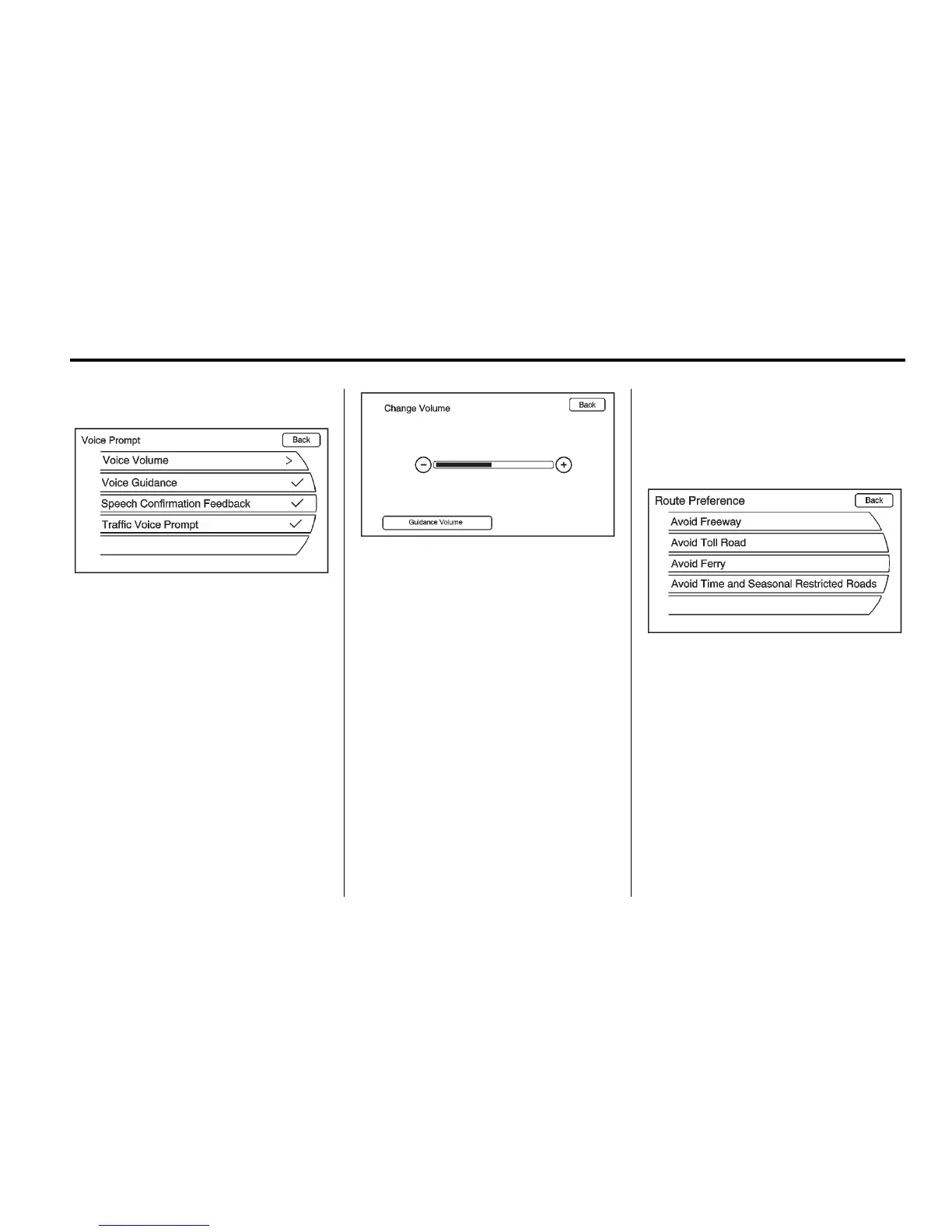
Voice Prompt
This menu allows changes to the
voice features.
The touch screen buttons
available are:
Voice Volume: Adjust the voice
volume for guidance and voice
recognition prompts by pressing
the − or + screen buttons or by
turning the VOL/
O knob on
the infotainment system. Press
Guidance Volume to preview
the selected sound level.
Voice Guidance: Press to
enable or disable voice guidance.
A checkmark indicates on.
Speech Confirmation
Feedback: Press to turn the
speech confirmation feedback on
or off. A checkmark indicates on.
Traffic Voice Prompt: Press
to enable or disable traffic voice
prompts. If the voice prompts are on
and an Alert for Approaching Traffic
displays, the related voice prompt is
provided. A checkmark indicates on.
Route Preference
Press the Route Preference screen
button to change route options
when a route is calculated.
Avoid Freeway: Major roads are
avoided.
Avoid Toll Road: Toll roads are
avoided.
Avoid Ferry: Ferries are avoided.
Avoid Time and Seasonal
Restricted Roads: Time restricted
and seasonal roads are avoided.














 To Next Page