Infotainment System 7-53
3. Select the street name field.
Enter the street name. Do not
enter directional information
or street type. Use the space
screen button between street
and city names. Use the
backspace
q screen button to
delete an incorrect character.
A list displays if four or fewer
names are available. If there
are more than four, there is a
match counter with a number
of available streets. Press the
List screen button to view the
list and select the street.
4. Select the city from the list or
enter the city name.
5. Enter the house number.
This field is automatically
selected.
6. Press the OK screen button.
7. Press Go located on the
confirmation screen if the
information is correct.
The route is calculated.
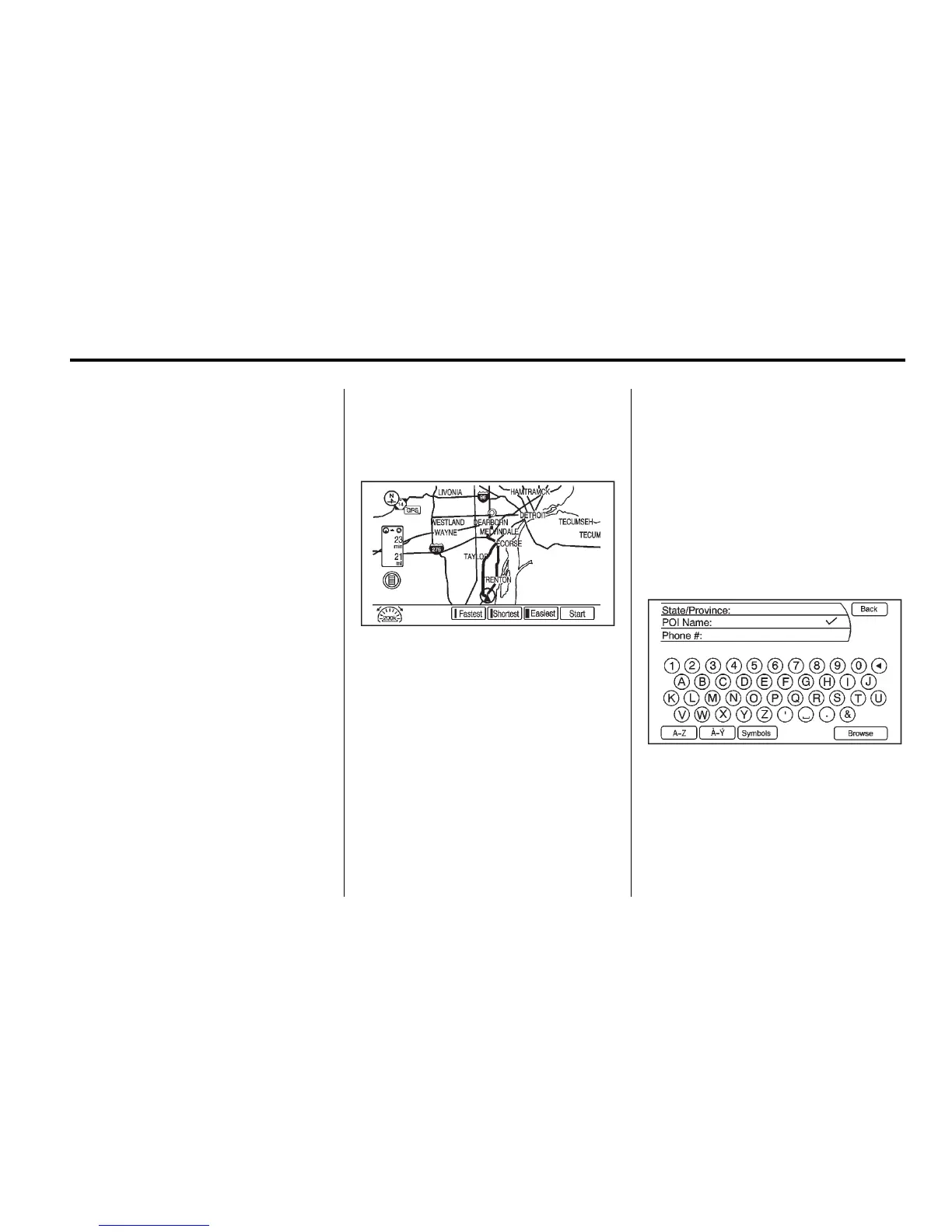
8. Select the route preference for
Fastest, Shortest, or Easiest.
The chosen route preference
highlights. See “Entering an
Address and Point of Interest,
and Storing Preset Destinations”
under Overview on page 7‑3 for
more information.
9. Press the Start Guidance
screen button and the route
is calculated.
Point of Interest
The POI destination entry allows
selection of a destination by
providing the POI name or city
name, or selecting from the POI list.
Entering by POI name/phone
number:
1. Press the DEST button.
2. Select Point of Interest.
3. Enter the name or select by
phone number.














 To Next Page