- 15 -
Qc1002™ Menu Overview
At Qc1002™, the LCD will show following information:
–in Normal condition (scroll through the information using
UP and DOWN):
• Status (eg: preheat, crank, run, cooldown, extended stop
time, …)
• Controller type & version
• Parameter list
• Alarm list
•LOG list
• Service Timer 1 & Service Timer 2
• Battery Voltage
• Fuel level
• Voltage - frequency - running hours
–in Alarm condition (scroll through the information using
UP and DOWN):
• a list of all active Alarms
It's possible to scroll through the views, using the UP and
DOWN buttons. The scrolling is continuous.
If a Special status comes up, the Status Display is shown.
If an Alarm comes up, the Alarm Display is shown.
Controller type and version display
This view shows the controller type and the ASW version
number.
Parameter display
This view shows a number of Parameter settings and gives
access to them.
An overview is given in “Parameter list” on page 16.
Alarm list display
This view shows the number of active alarms and gives
access to them.
An overview is given in “Alarm Display (pop-up
window)” on page 17.
LOG list display
This view shows the alarm memory and gives access to it.
An overview is given in “LOG list” on page 18.
Service timer 1 & Service timer 2 display
This view shows both Service timers. The service timer
indication is shown when service time has run out. It can
be removed by resetting the timers or acknowledging the
Service timer indication.
The service timer indications count and give an alarm
when value is reached.
Resetting the Service Timers can be done through the
Parameter display.
Battery Voltage display
This view shows the Battery voltage and the running
hours.
Fuel level display
This view shows the Fuel level and the running hours.
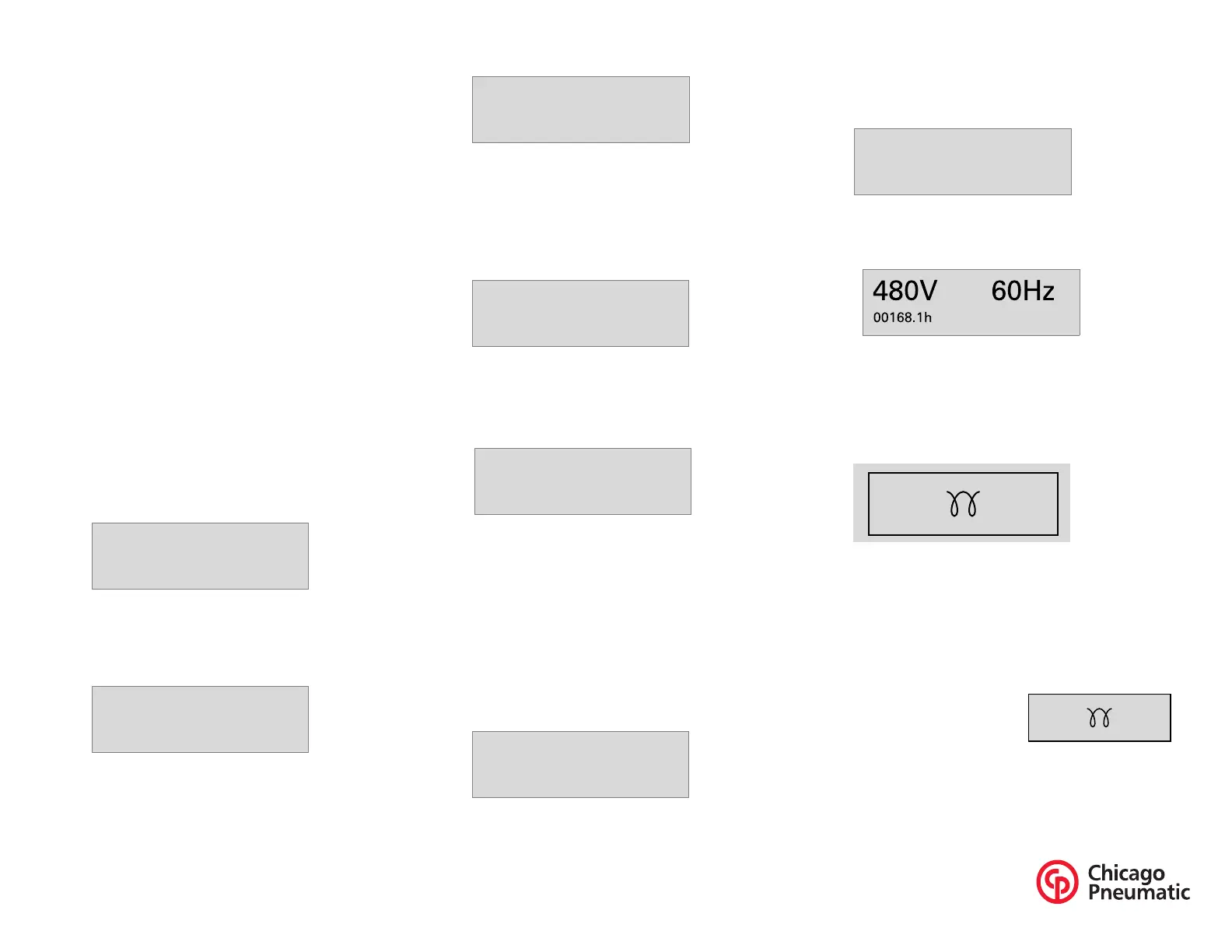
Voltage - frequency - running hours display
This view shows the voltage, frequency and running
hours.
Qc1002™ Menu Description
Status Display (pop-up window)
In case special statuses are entered, a pop-up window will
automatically be entered for as long as the status is active.
The background screen is not updated when the status
pop-up window is active.
These special statuses are:
PREHEAT


 To Next Page
 Loading...