13
English
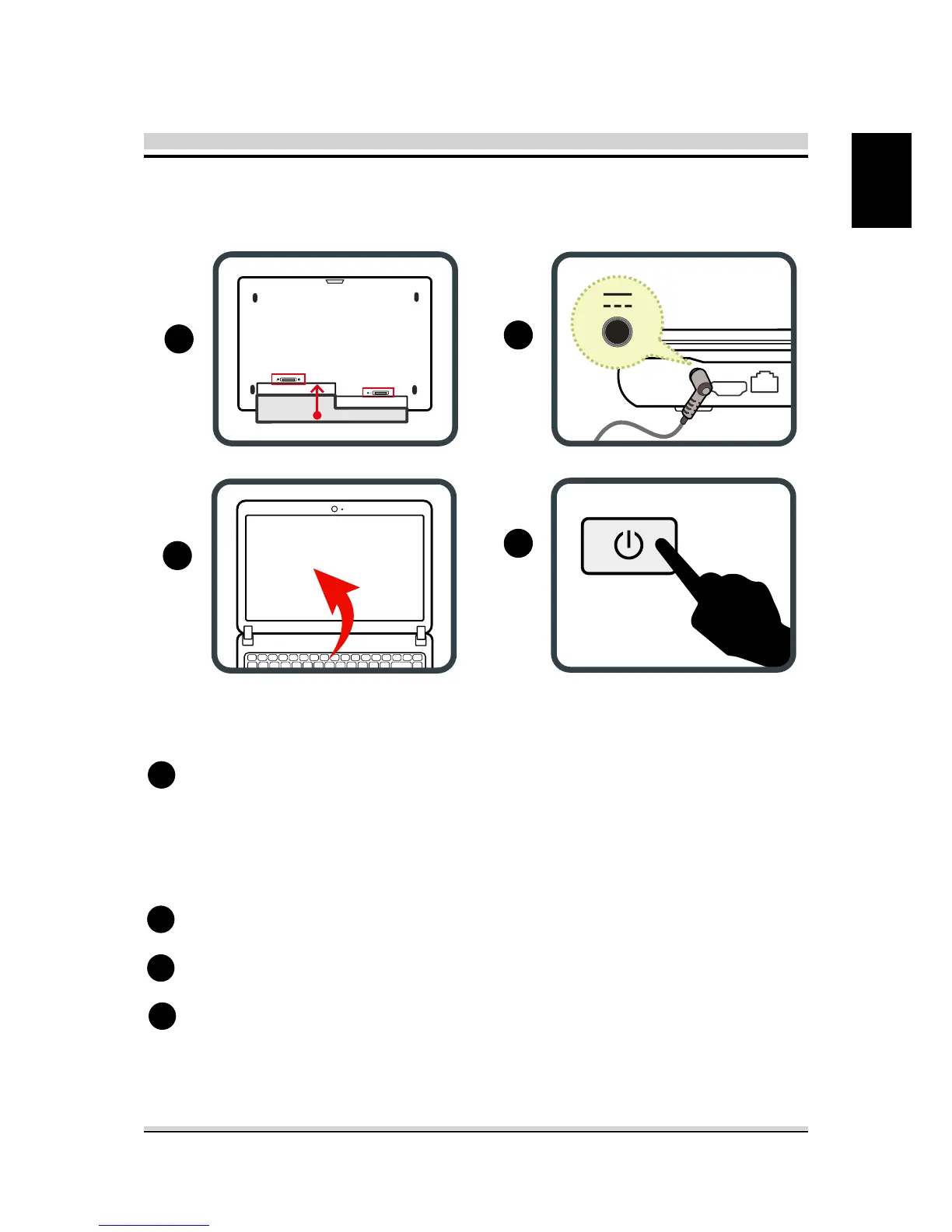
Turn your notebook computer upside down so the bottom is
facing up.
Insert the battery pack as shown into the battery compartment
until it clicks into place. Then slide the lock/unlock latches into
the lock position.
Plug the AC adapter cable into the DC power connector.
To open your notebook computer.
Press the power button to turn on your notebook computer.
1
2
3
4
2.2 Preparing your Computer
1
2
3
4



 To Next Page