39
English
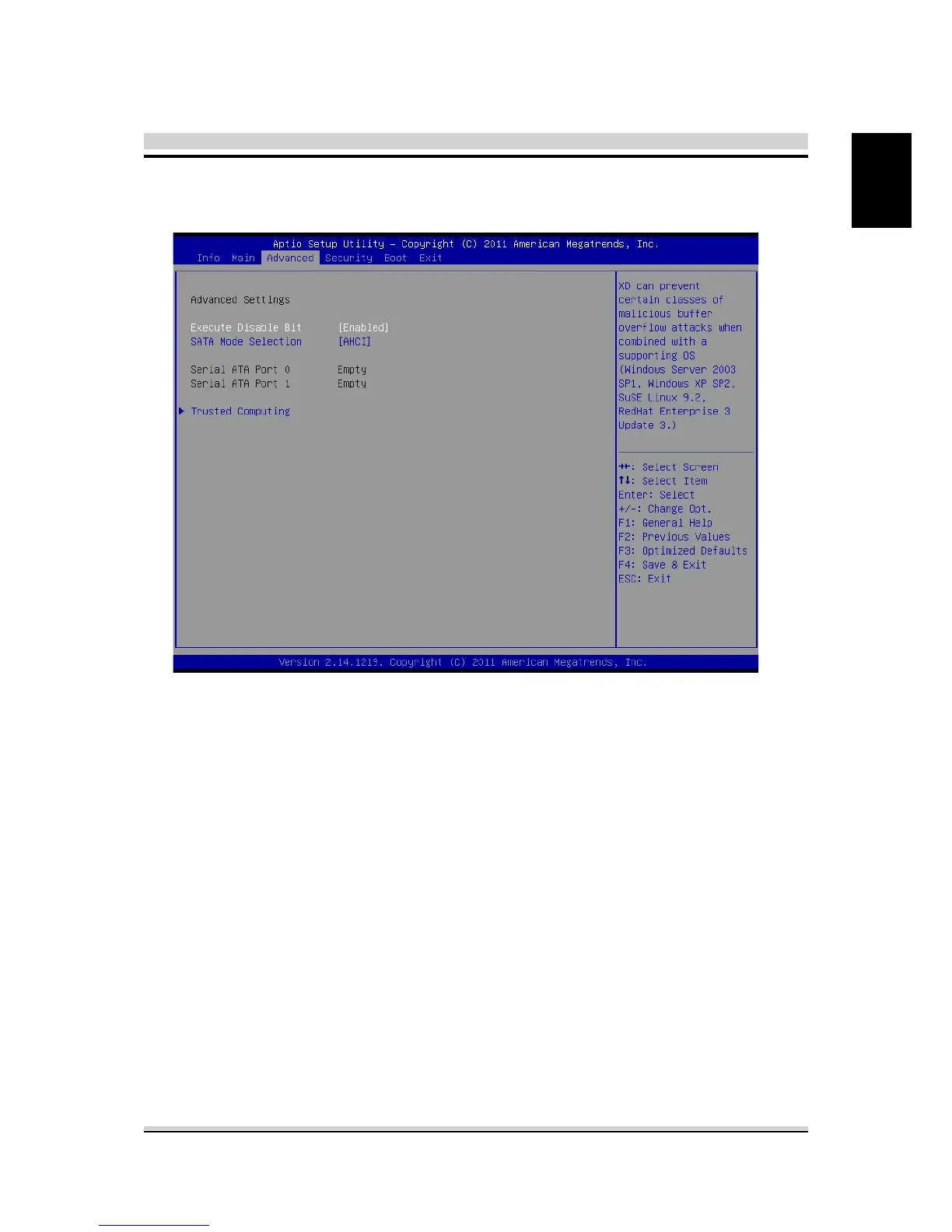
4.2.3 Advanced Menu
・Execute-Disable Bit
When disabled, force the XD feature ag to always return 0.
・SATA Mode Selection
SATA AHCI mode or IDE mode select.
・Serial ATA Port 0/1
While entering setup,BIOS auto detects the presence of AHCI
devices. This displays the status of auto detection of AHCI
devices.
・Trusted Computing
Turn TPM Enable/Disable. NOTE: Your Computer will reboot
during restart in order to change State of TPM.



 To Next Page