14
English
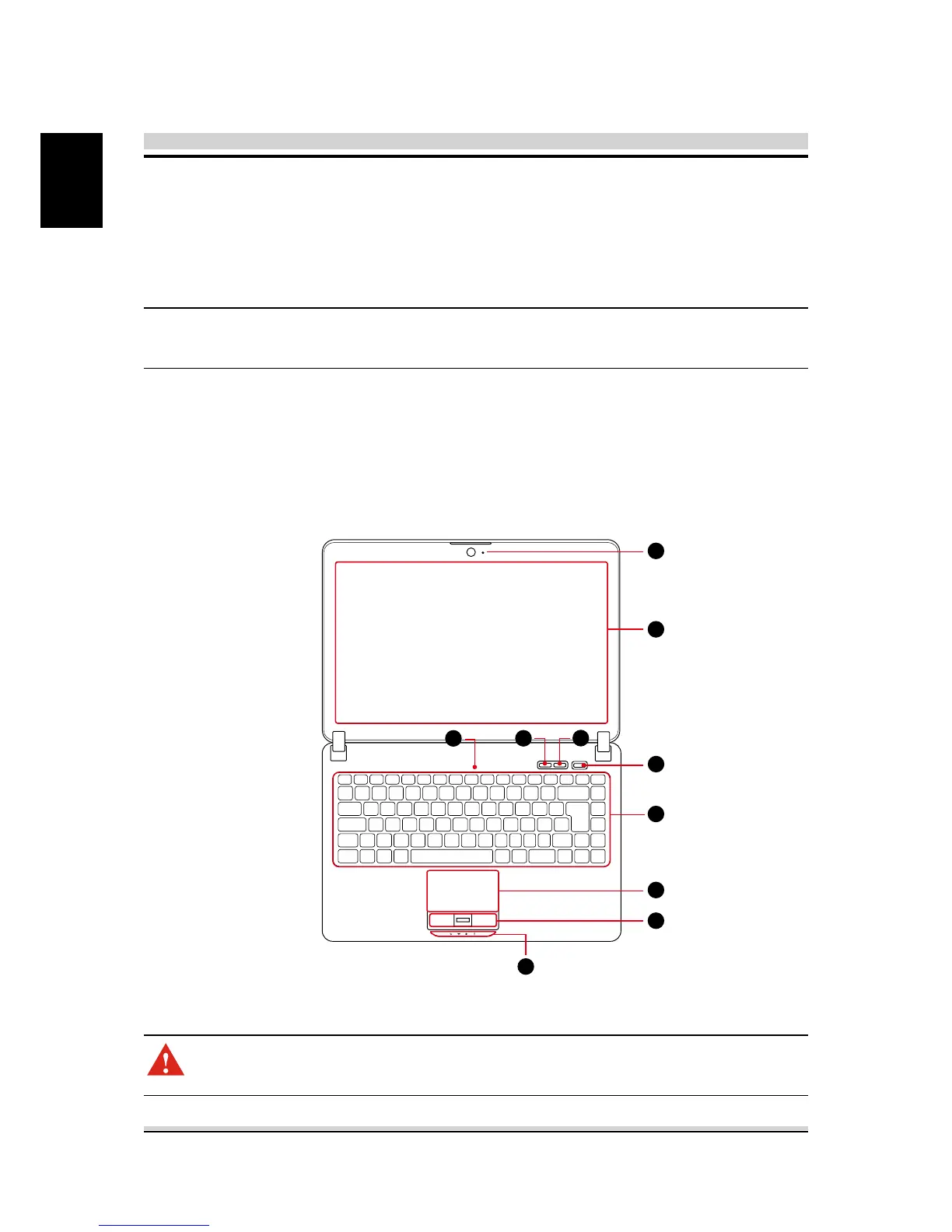
2.3.1 Top-Open View
The figure of top-open view and description shown below will
lead you to browse the main operating area of your notebook.
2.3 Product Overview
This section provides the description of basic aspects of the
notebook.
CAUTION: When you are not using the computer, keep the LCD
screen closed to protect it from dust.
NOTE: The product’s color, I/O port, indicator location, and speci-
cation will depend upon the actually shipping product.
3
8
10
9
7
1
2
4
5
6



 To Next Page