CHIYU TECHNOLOGY CO., LTD
http://www.chiyu-t.com.tw
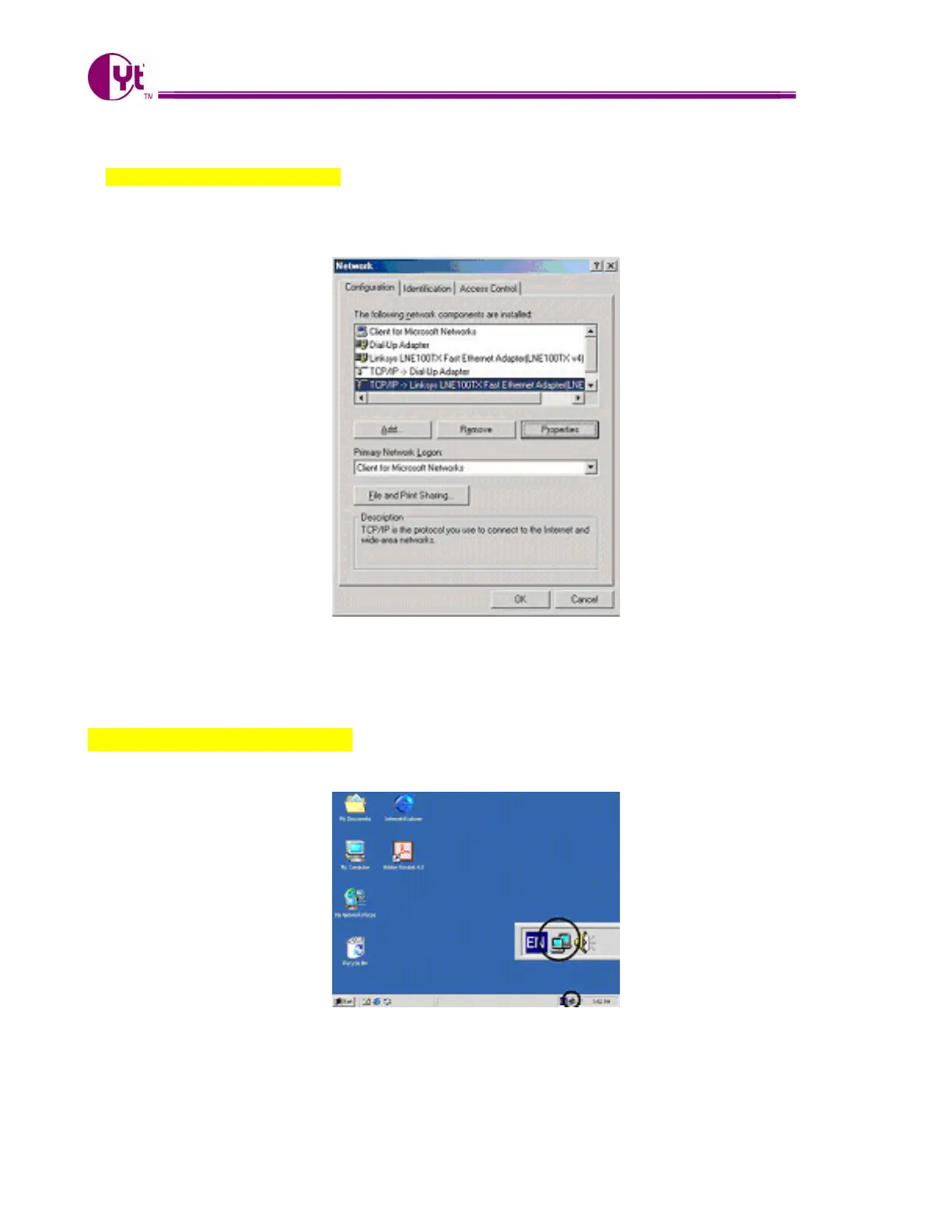
2. For Windows 98 and Millennium
On the “Configuration” tab (if using Windows 98 and Millennium PCs), select the TCP/IP line for the
applicable Ethernet adapter. Do not choose a TCP/IP entry whose name mentions
PPPoE, VPN. If the word TCP/IP appears by itself, select that line. Click the Properties button.
Important:
For Windows 2000 & Windows XP Setting, you will find that they differ with Windows 98/ME/NT slightly. See the
following for reference.
For Windows XP and Windows 2000
Click the “Local Area Connection” icon on the lower right hand side of your desktop screen.
4



 To Next Page