CHIYU TECHNOLOGY CO., LTD
http://www.chiyu-t.com.tw
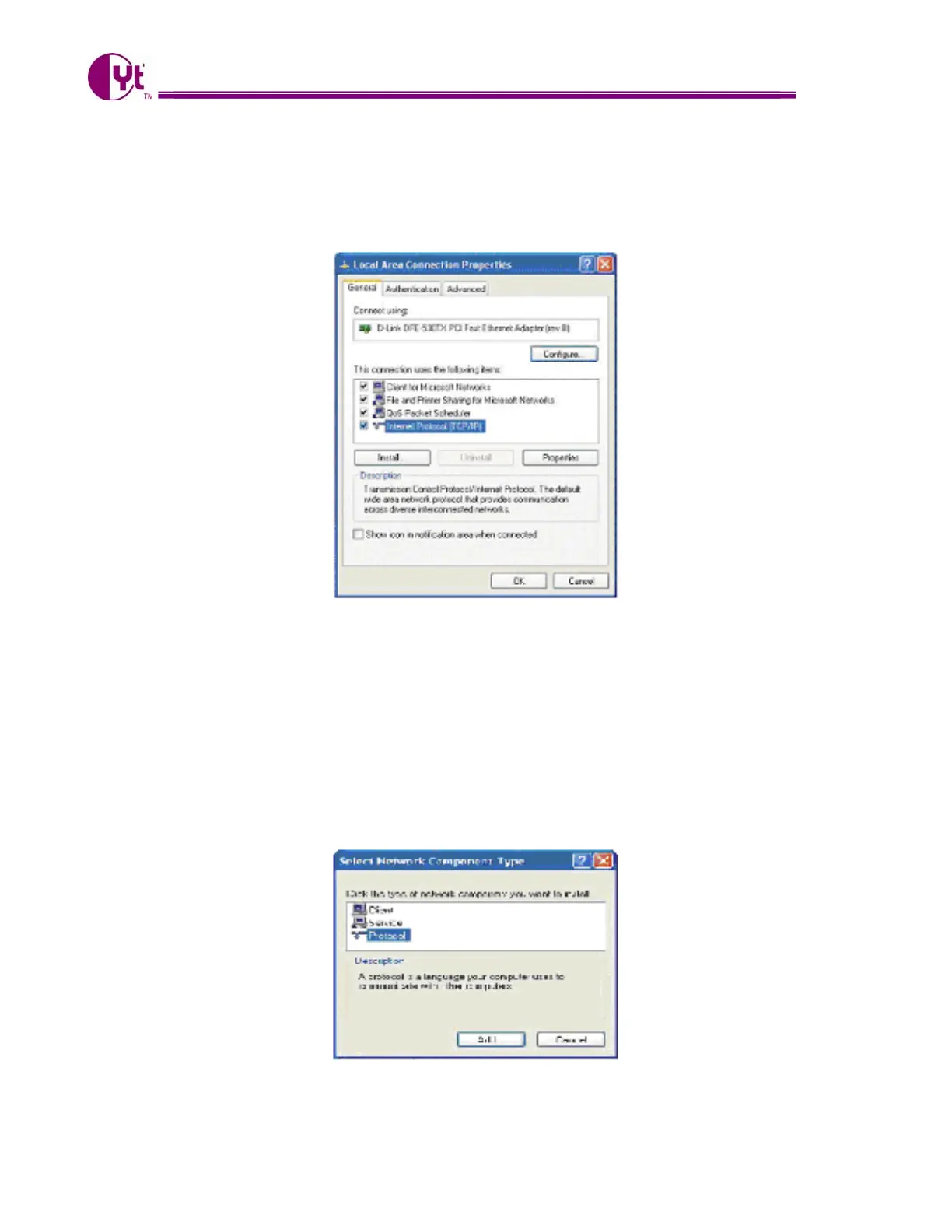
In the “Local Area Connection Status” window, click the “Properties” button then your Network window will
appear.
There are two tabs, “General” ”Support”, in the Network window.
3. Check whether the TCP/IP Protocol has already been installed onto your computer’s Ethernet card. Note that
TCP/IP Protocol can be installed for a computer’s Dial-Up Adapter as well as for the Ethernet card.
- If yes, go to section 2.2.
- If no, click the “Install” button.
4. Double-click “Protocol” in the Select Network Component Type or highlight “Protocol” then click “Add”.
5



 To Next Page