CHIYU TECHNOLOGY CO., LTD
http://www.chiyu-t.com.tw
5. Highlight “Microsoft” under the list of manufacturers. Double-click “TCP/IP” from the list on the right or
highlight “TCP/IP” then click “OK” to install TCP/IP.
6. After a few seconds, you will be returned to the Network window. The TCP/IP Protocol should now be on the list
of installed network components (see 3 above).
2.2 Using IP Search Utility to set BF450(M)/BF430/BF431’s IP Addresses
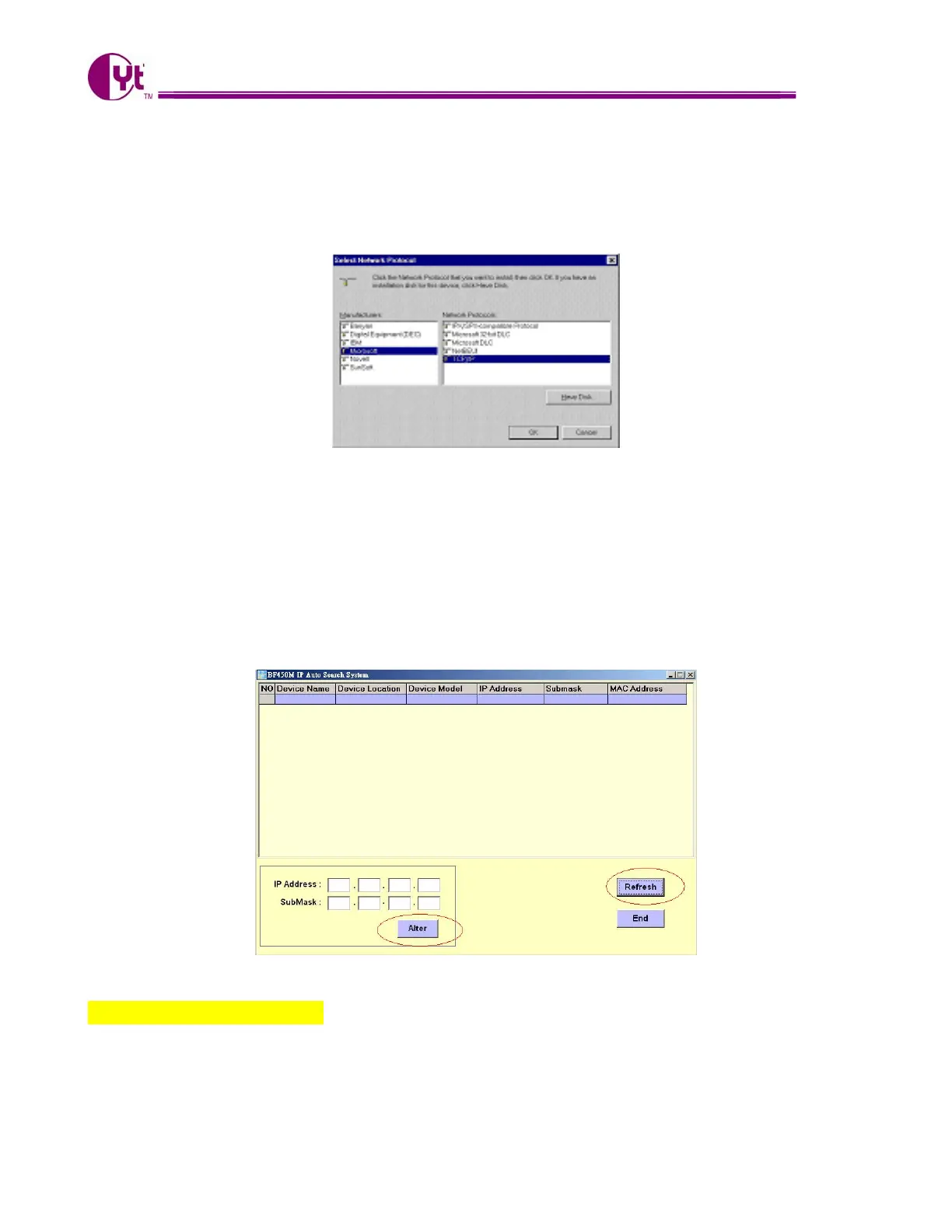
1. Install IP Search utility on your computer and execute ipsearch.exe.
2. Clicks Refresh to find the IP address of your BF450(M)/BF430/BF-431.
3. If the current setting of IP address is not in same sub network with yours, then you can change
BF450(M)/BF430/BF-431’s IP address and Subnet Mask by click Alter.
2.3 Fixed IP Addresses Configuration
For Windows 98 and Millennium
1. To set up computers with fixed IP Addresses, click the “Properties” button. The TCP/IP Properties window
consists of several tabs. Choose the “IP Address” tab as shown below.
6



 To Next Page