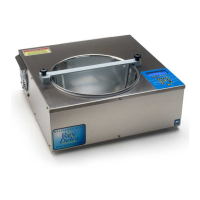
Need help?
Do you have a question about the ChocoVision Revolation V and is the answer not in the manual?
Button to select chocolate type (dark, milk, white).
Select temper mode (Quick, Normal, Extended).
Manually enter desired temperature for melting.
Pause the bowl rotation for 90 seconds.
Save custom temperatures and recipes.
Adjust temperature and toggle units (F/C).
Keep chocolate melted for up to 24 hours.
Cancel activities and return to start-up state.
Step-by-step guide to initial machine setup and operation.
Details on extended features like Fahrenheit/Celsius, Bowl Pause, Overnight Mode, Programming Mode.
Allows manual setting of desired temperature for compound chocolates.
Answers common questions about chocolate types, tempering, bloom, and climate.
Further answers on climate effects, storage, and chocolate thickening.
 General
| Brand | ChocoVision |
|---|---|
| Model | Revolation V |
| Category | Kitchen Appliances |
| Language | English |

 To Next Page