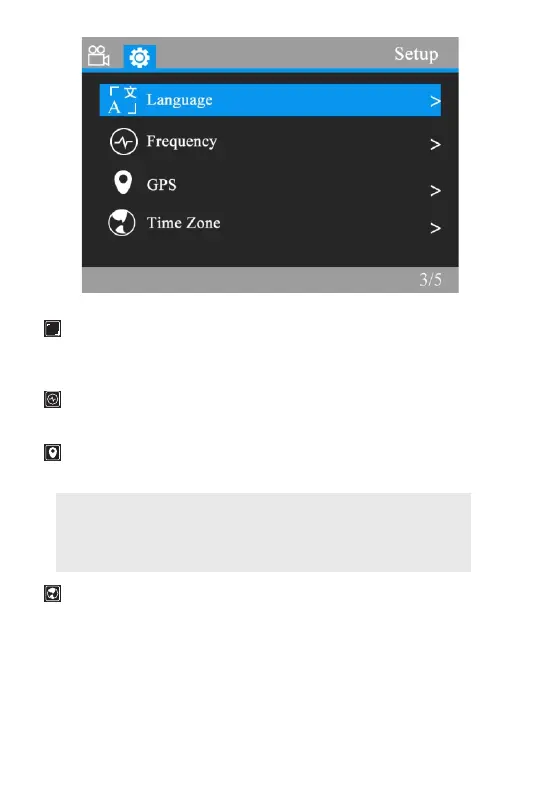
Language : English / French / Spanish / Portuguese
/ German / Italian / Simplified Chinese/ Traditional Chinese
/ Japanese
Frequency : Set light frequency to 50Hz or 60Hz, and press
OK.
GPS: This feature allow you to see your current
geographical location in Latitude & longitude.
Note: 1.If GPS symbol flashing, that means dash cam
recognizes GPS, but does not locate the location.
2.If GPS symbol not flashing and it shows green, that
means GPS is connected.
Time Zone: Select your location time zone.(Default time
zone is GMT-4)
When you just get the camera, you will need to set the GMT
time zone value, so the camera will set the date and time
based on the GMT value selection when it receives the GPS
signal lock automatically.
A
文
31


 To Next Page