4.Setting Date and Time: Please set the correct date and time
based on your location under the Time Zone Setting by going
to camera’s system setting menu.
5.How to transfer videos to PC/MAC?
Insert memory card directly to your PC/MAC to view or
download them. You can also connect your camera to your
PC/MAC with the included short USB data cable. Then Select
option as a Mass Storage.(See Page 21 for details)
We recommend VLC Media Player to view your videos. You can
get it free at :www.videolan.org
If you want to view GPS tracking recording, you can download
GXPlayer on your PC/MAC.(See page 23 for details)
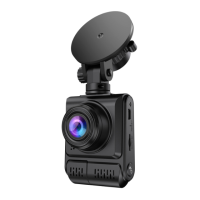
6.WIFI: You can also connect Dash Cam B-T47 to your smart
phone directly by using built-in WIFI feature. (See page 28, 29
for details)
4


 To Next Page