Page | 76
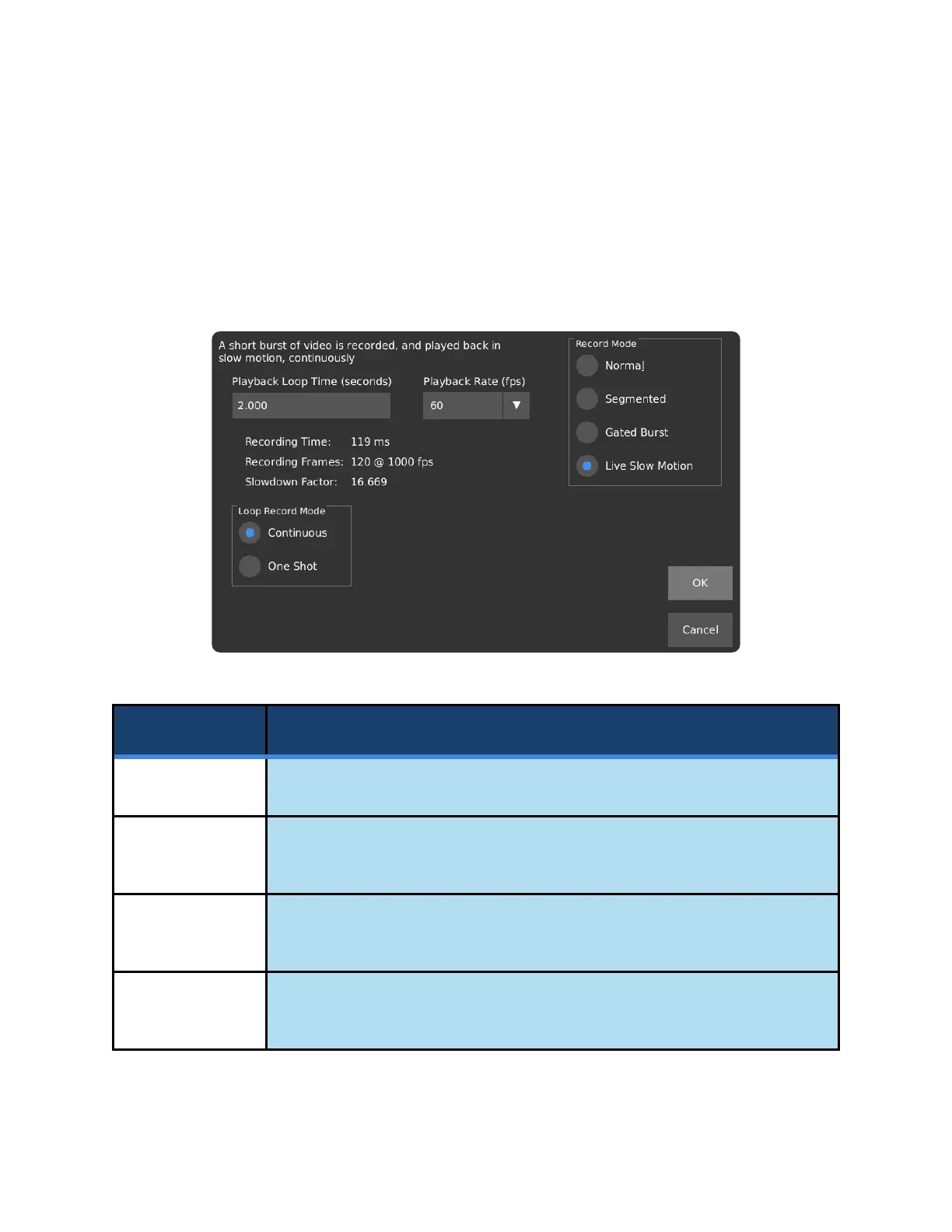
RECORD MODE – LIVE SLOW MOTION
In Live Slow Motion mode, a short segment of video is recorded, and then played back in a loop. The
interface allows you to set the desired loop time, and the choice of playback rate can be either 15, 30, or
60 FPS. The length of the recorded segment is calculated based on the loop length and the recording
frame rate and is displayed on the screen.
Playback Loop
Time (seconds)
Sets the desired playback length of the loop, in seconds.
Displays the recording time, calculated from the loop length and the frame rate
setting, in milliseconds.
Displays the number of frames to be recorded, calculated from the loop length
and the frame rate setting, in frames.
Displays the factor by which the loop playback will be slowed down, using the
current settings, as a ratio.



 To Next Page