View Settings
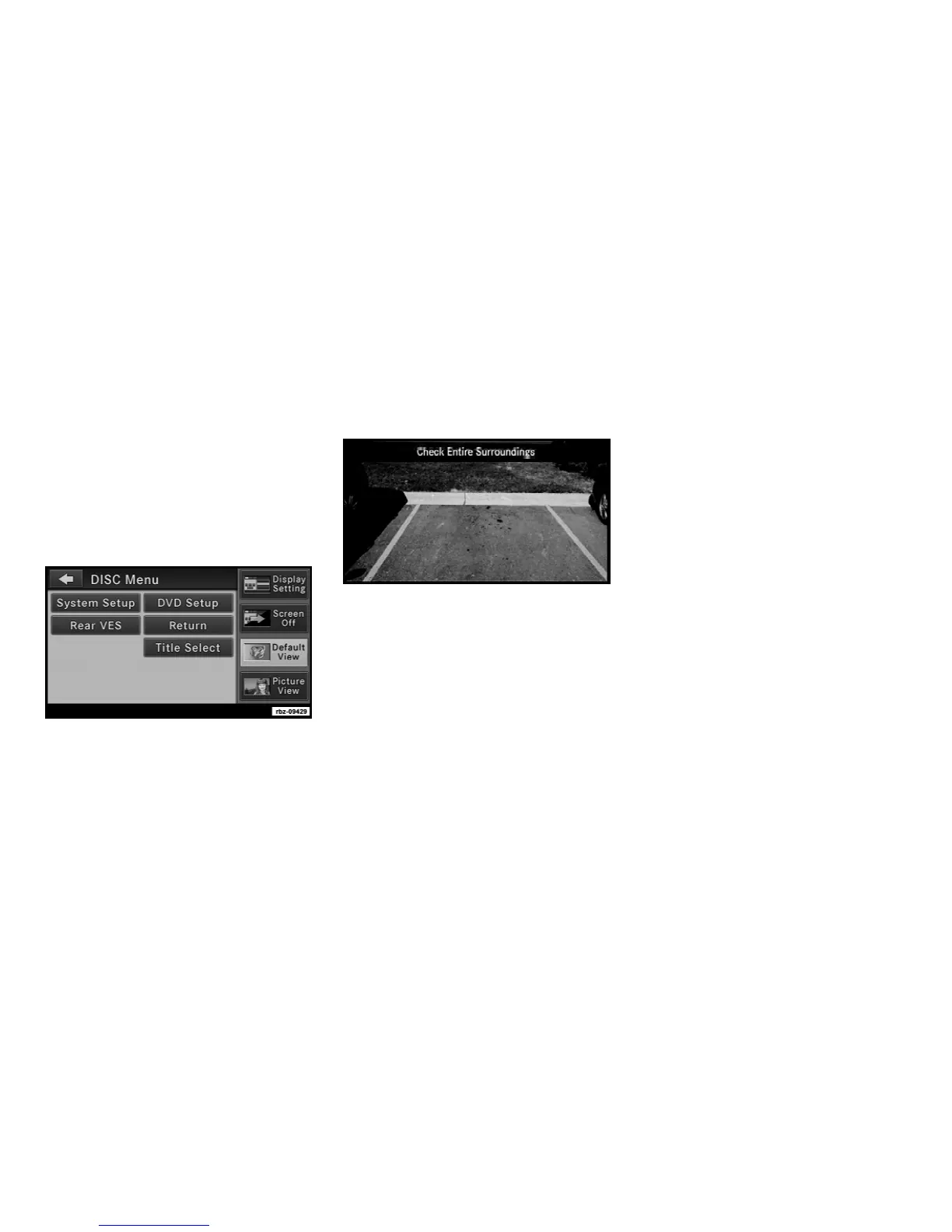
Press the MENU hard-key and then touch the
Default View soft-key to enable the default view
mode, where the vehicle brand logo is dis-
played in the right half of the screen.
Touch the Picture View soft-key to enable the
picture view mode, where a pictures can be
displayed on the right half of the radio screen.
Refer to the Hard Disk Drive section for a
detailed example.
ParkviewT Rear Back Up Camera (if
equipped)
When equipped with ParkViewT, the radio dis-
play shows the rear view camera picture as
soon as the shifter is in the R position for
vehicles with automatic transmission. In ve-
hicles with manual transmission the reverse
gear must be engaged.
NOTE:
You may disable the ParkviewT in the Sys-
tem Setup menu.
13



 To Next Page