Random Playback
The random playback function plays random
tracks from the iPodT device. Touch the Ran-
dom soft-key to switch the random play func-
tion on or off.
A red check mark indicates the random play
function is active.
Repeat Track
The repeat track function repeats the currently
played track. Touch the Rpt. TRK soft-key to
switch the repeat track function on or off.
A red check mark indicates the repeat track
function is active.
Uconnect™ Phone (If Equipped)
Uconnect™ Phone is a voice-
activated, hands-free, in-vehicle
communications system.
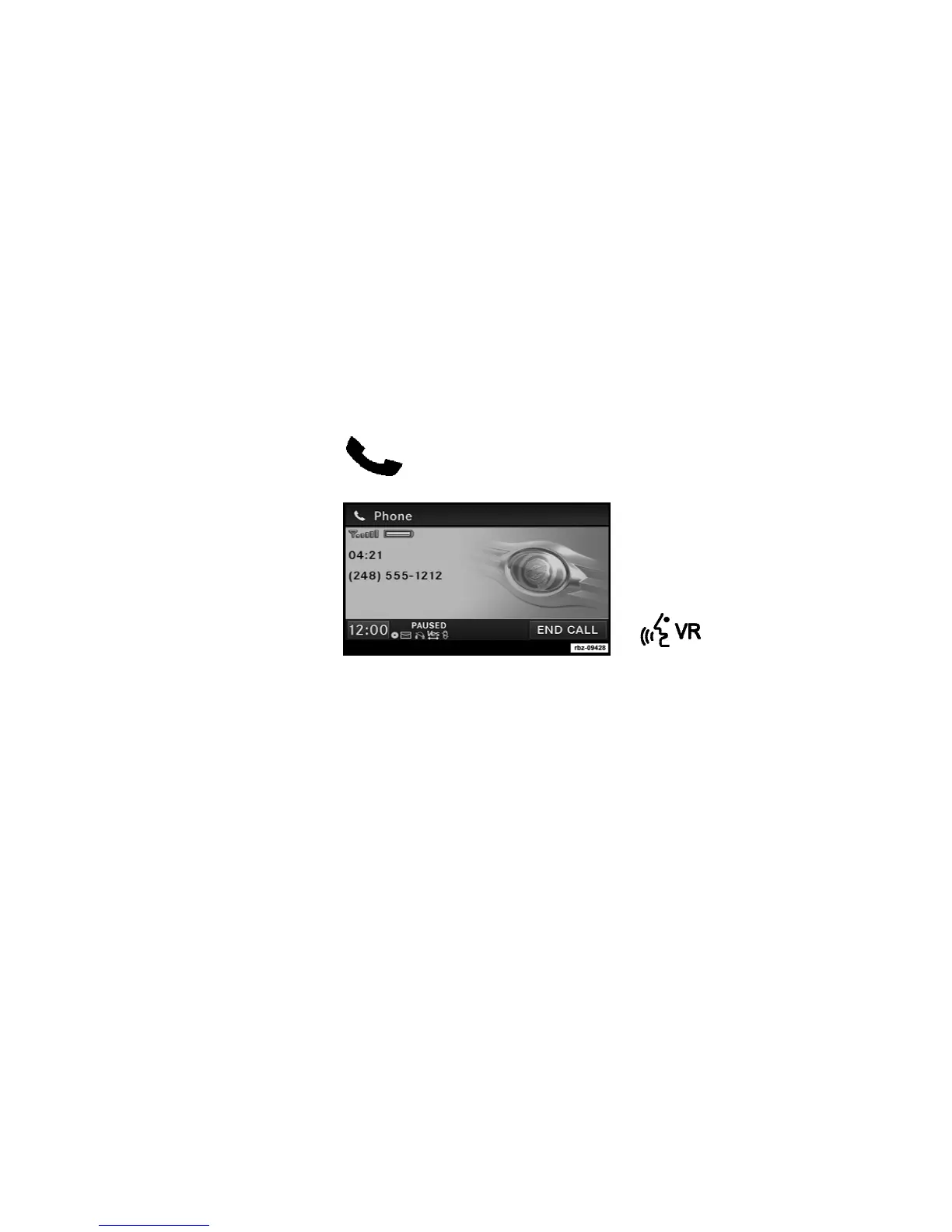
The Uconnect™ system is fully integrated with
the vehicle’s audio system. The radio display
will be used for visual prompts from the
Uconnect™ system such as phone battery
status, signal strength, caller ID, and call type.
NOTE:
Your phone may not support all available
Uconnect™ features.
Refer to your vehicle Owner’s Manual for
Uconnect™ Phone operating instructions.
Voice Command (If Equipped)
Refer to your vehicle Owner’s
Manual for Voice Command oper-
ating instructions.
38



 To Next Page