Connect a 3.5 mm
stereo
mini-jack cable as
shown above (not provided with the radio) to
the AUX connector on the radio and to the
earphone connector of your audio device.
The display will switch automatically to the AUX
mode when a 3.5 mm
stereo
mini-jack cable
has been connected. The radio screen will
revert back to the last tuner mode when the
cable is unplugged.
To change radio modes while the cable is
connected to the unit, press the RADIO/MEDIA
hard-key until the AUX tab is displayed on the
top of the screen. Touch the AUX tab to return
to the AUX mode.
Adjust the volume with the ON/OFF VOLUME
rotary knob, or with the volume of the attached
device.
The control of the external device (e.g., select-
ing playlists, play, fast forward, etc.) cannot be
provided by the radio; use the device controls
instead.
NOTE:
Inserting of a
mono
jack will result in im-
proper audio playback.
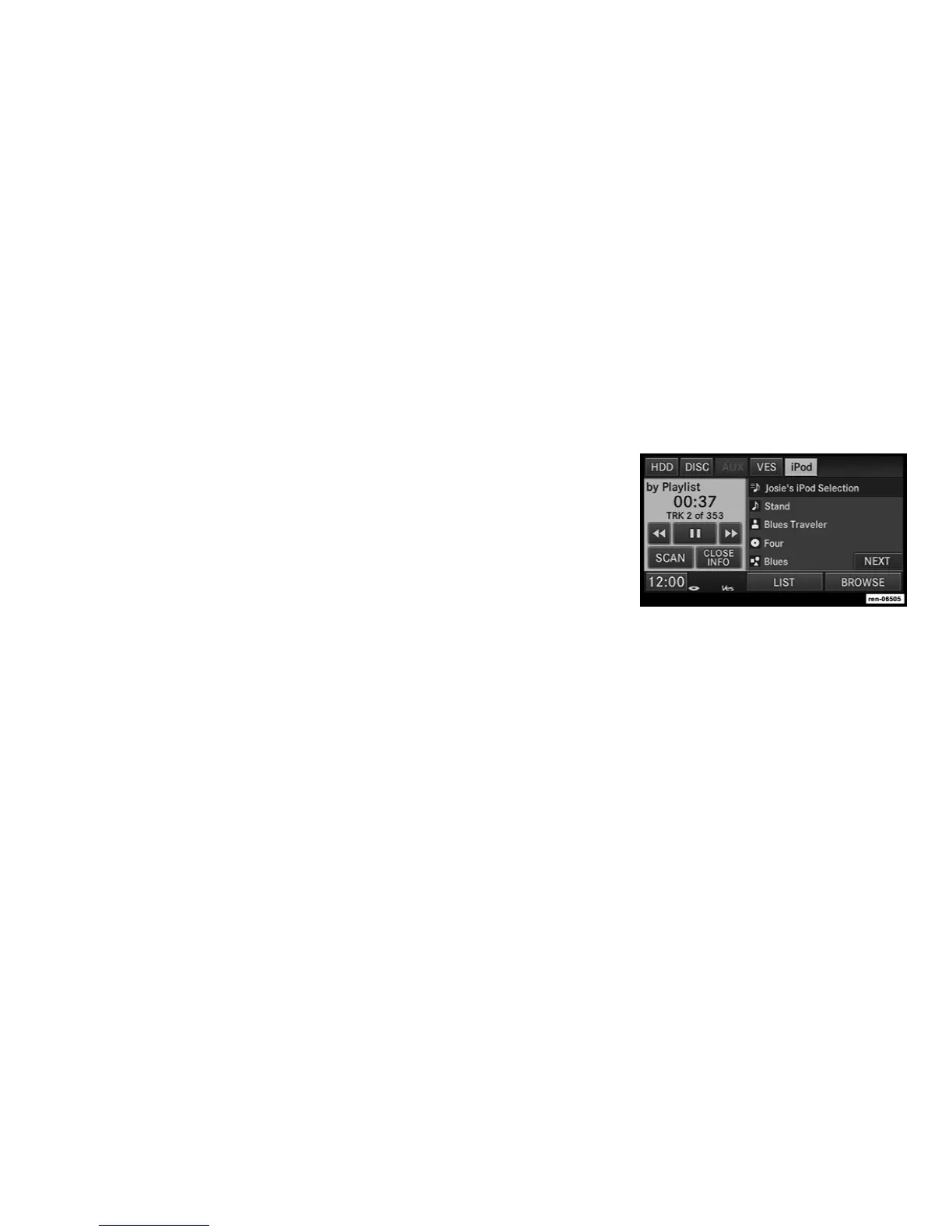
iPodT Mode (If Equipped)
The iPodT mode gives you access to the audio
files on the external iPodT. It functions as a
remote control for the currently connected
iPodT mobile digital device, and you can play
audio from the iPodT device through the ve-
hicles speaker system.
Before using the iPodT mode, you will need to
connect your iPodT device to the iPodT con-
nector. (See UNIVERSAL CUSTOMER INTER-
FACE (UCI) section in your vehicle Owner’s
Manual for instructions.)
NOTE:
The files will not be stored on the internal
hard disk drive and cannot be used in the
HDD mode.
NOTE:
It is recommended to use the latest available
software for your iPod and iTunes.
See manufacturer website for updates http://
www.apple.com/support/ipod/.
Playing Audio Files from the iPodT Device
You can play songs directly from the iPodT
device.
Touch the LIST soft-key to display a list view.
Touch the soft-key with the desired list item to
select and play the item.
Touch the HIDE LIST soft-key to hide the list.
Touch the BROWSE soft-key to browse by
categories.
35



 To Next Page