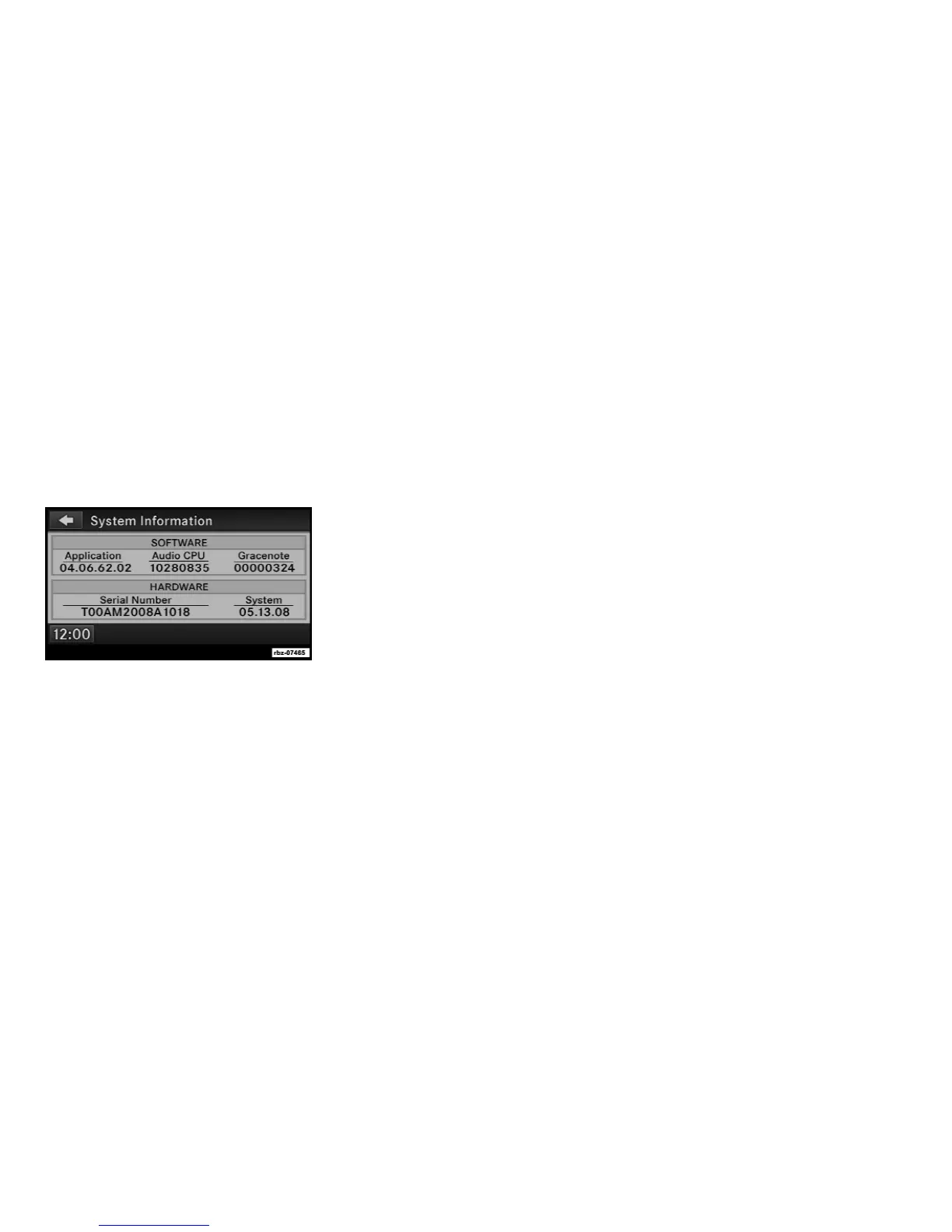
SYSTEM INFORMATION
Press the MENU hard-key on the right side of
the radio, and touch the System Setup soft-key
to access the System Setup menu.
Touch the System Information soft-key to ac-
cess the system information.
User Data Backup
Visit http://www.chrysler.com/en/owners/mygig/
for information on how to backup or transfer
your user data, such as music files, etc., before
returning or changing to a vehicle with a com-
patible radio (e.g., end of lease).
Software and Database Updates
Visit www.DriveUconnect.com for information
on available software and database updates.
Updates are available for the radio software,
and the GracenoteT music recognition technol-
ogy database.
Please read the specific instructions on the
update discs before installing the updates.
Contact your local authorized dealership if you
need help or more information about the avail-
able updates.
39



 To Next Page