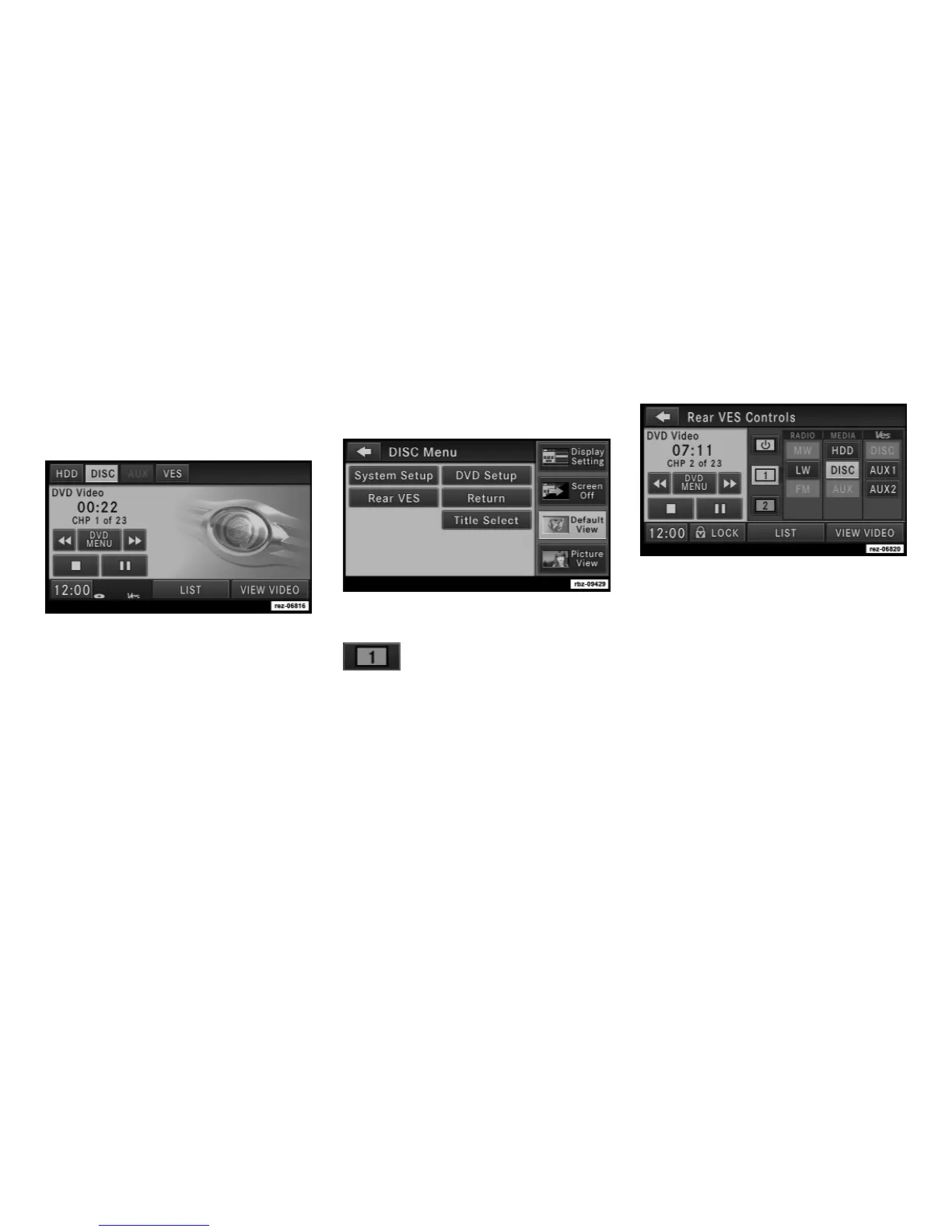
Playing a Video DVD for the Rear VES™
1. To view a DVD video on the rear VES™
screen, insert a video DVD.
The playback starts automatically after the DVD
video is recognized by the disc drive.
2. Press the MENU hard-key on the right side
of the radio.
3. Touch the Rear VES soft-key to display the
Rear VES Controls.
4. Touch the 1 soft-key tab to
select audio Channel 1.
5. Touch the DISC soft-key to select the media
mode.
6. Touch the PLAY VIDEO soft-key to start the
video playback.
License Agreements
Dolby Digital License Agreement
Manufactured under license from Dolby Labo-
ratories.
Dolby, MLP Lossless and the double-D are
trademarks of Dolby Laboratories.
Macrovision License Agreement
This product incorporates copyright protection
technology that is protected by U.S. patents
32



 To Next Page