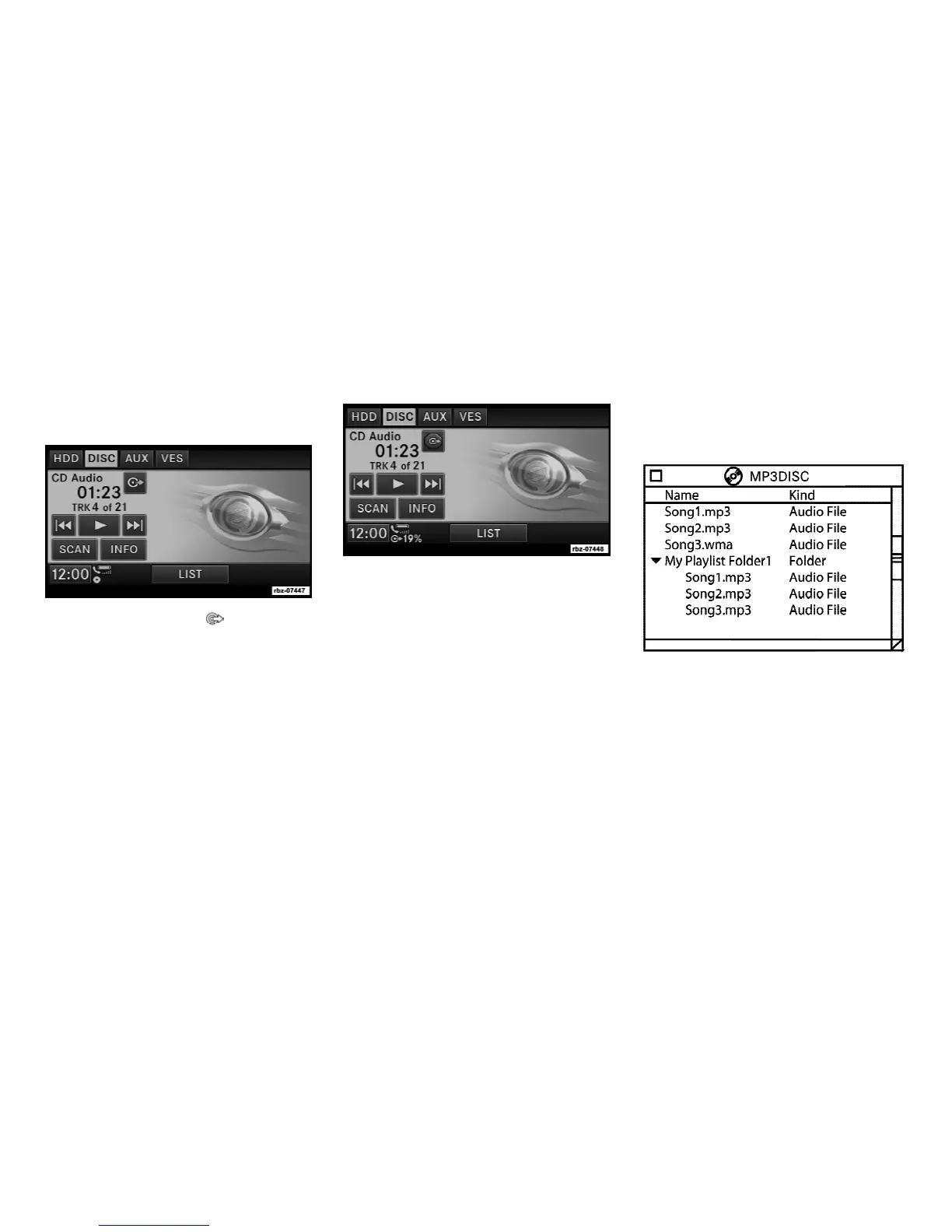
Copy Audio Disc to Hard-Drive
1. Insert a disc.
2. Touch the copy soft-key to copy music
tracks of the inserted disc to the Hard Disk
Drive.
After a short pause, the copy process begins
and the audio resumes playback from the start
of the track. The copy process continues in the
background while the audio plays. The prog-
ress is shown in the display. Even if you change
to another mode (radio, AUX, etc.) or turn the
radio OFF (ignition ON), the copy process will
continue in the background.
The copy progress is shown in the display.
It is also possible to listen to radio modes
during this process. Copying time is greater
than 4x the normal playback rate.
NOTE:
When copying CD-Audio to HDD, audio files
are converted from CD-Audio to AAC. DVD-
Audio cannot be copied to the HDD.
Copy WMA/MP3 Files to Hard-Drive
You can copy MP3 and WMA formatted com-
pressed audio files from a disc or via USB (e.g.,
USB stick).
It is recommended to sort music files into
folders.
Example:
Songs located in the root level (top level) of the
disc or USB device are saved in a playlist
named Root_Level_Songs.
Once the songs are copied, the playlist will be
named by the originating folder name.
For the example above the list on the HDD will
show the following:
Disc_Root_Level Songs (Playlist 1)
19



 To Next Page