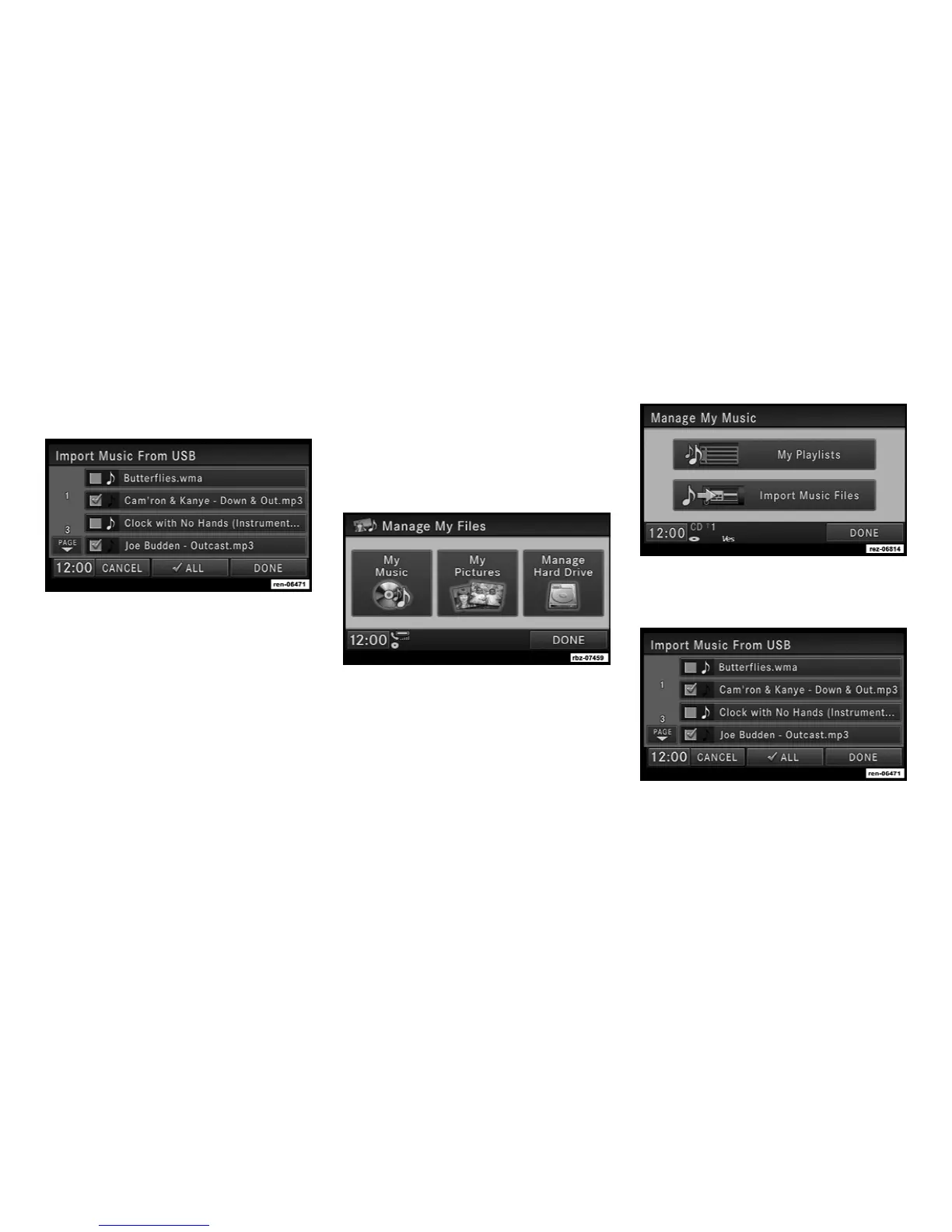
4. Touch the From DISC soft-key in the next
screen.
5. Select the folders or titles you would like to
copy.
A red check mark indicates the selected songs
and/or folders. Touch the ALL soft-key to select
all files and folders at once.
6. Touch the DONE soft-key to start the copy
process.
The copy process is shown on the display. It is
possible to listen to radio modes during this
process.
If you unplug or eject the media before the
copying process is finished, the process will be
interrupted. You may restart the copying pro-
cess by repeating the steps above.
Copying from USB
1. Insert a USB device.
2. Select My Music.
3. Touch the Import Music Files soft-key.
4. Touch the From USB soft-key in the next
screen.
21



 To Next Page