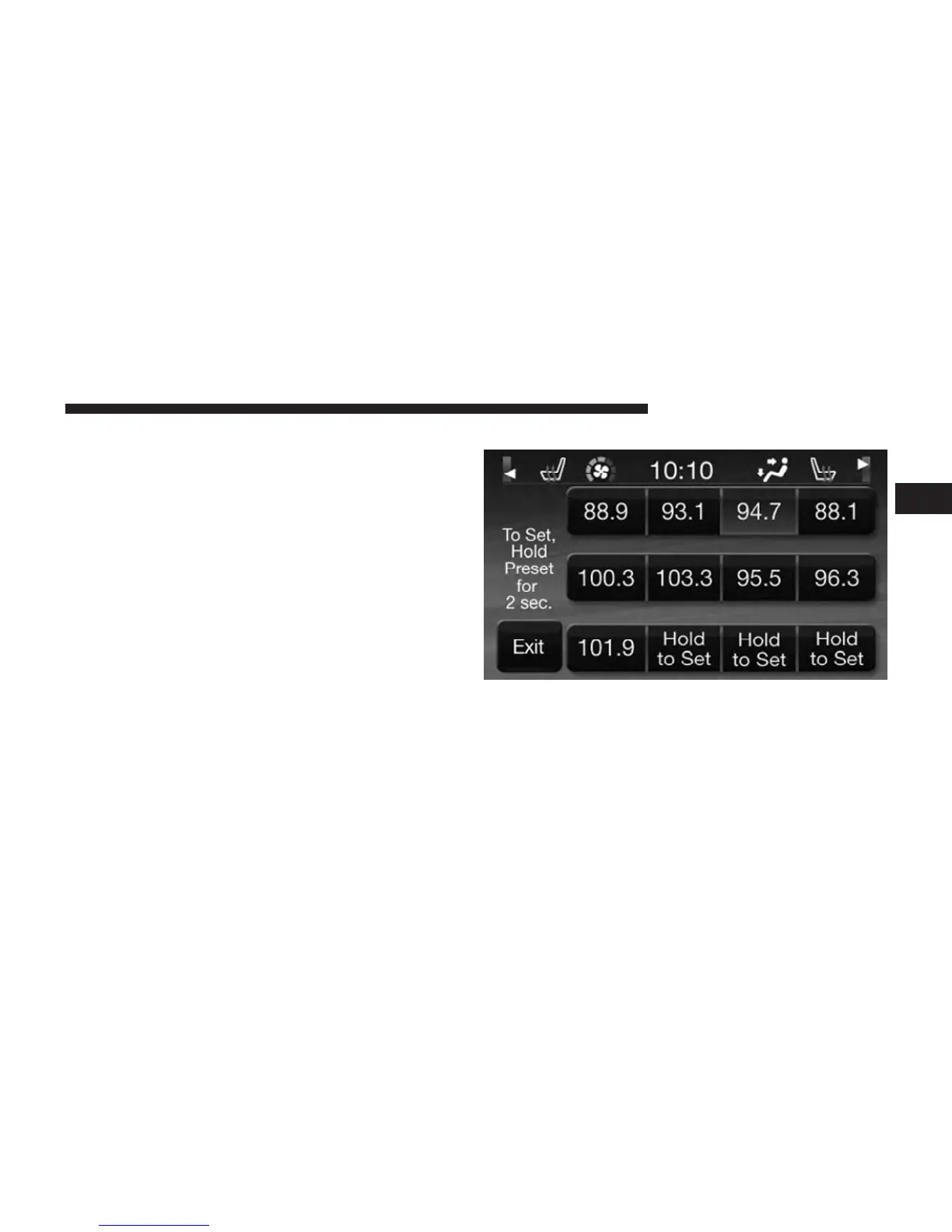
When you are receiving a station that you wish to
commit into memory, press and hold the desired num-
bered soft-key for more that 2 seconds or until you hear
a confirmation beep.
The Radio stores up to 12 presets in each of the Radio
modes. A set of 4 presets are visible at the top of the radio
screen.
All Presets Button
Touching the ⬙all⬙ soft-key on the radio home screen will
display all of the preset stations for that mode.
Return to Main Radio Screen
You can return to the Main Radio Screen, by either
touching Exit soft-key or pressing the Radio hard-key.
2
Uconnect Touch™ 4.3 SYSTEM 17



 To Next Page