•
Compass
Refer to ⬙Understanding Your Instrument Panel⬙,
⬙Uconnect Touch™ System⬙ section in your vehicle
Owner’s Manual on the DVD for details.
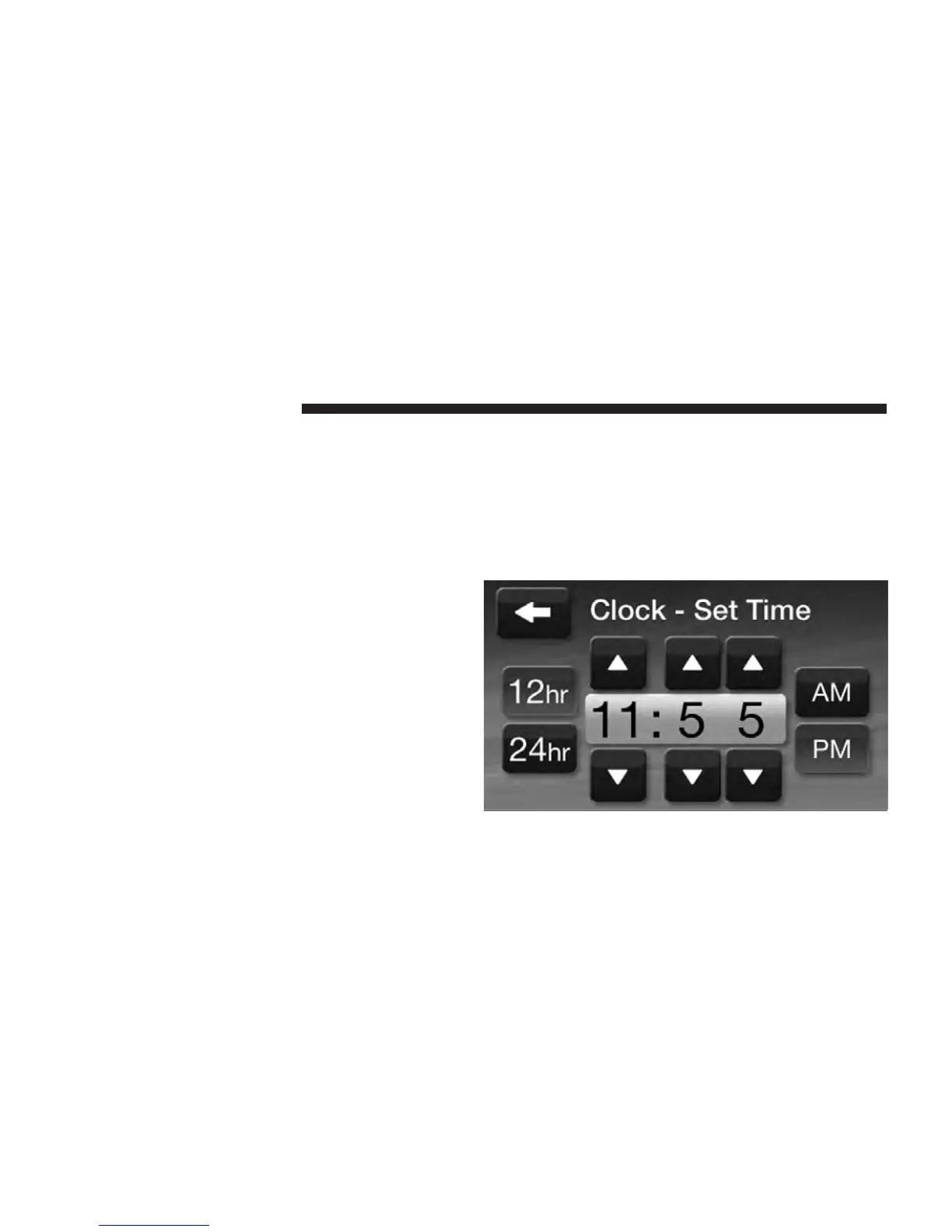
Clock Setting
1. There are two ways to enter the clock setting proce-
dure on the Uconnect Touch™ 4.3.
1. Press the More hard-key on the right side of the
display, next press the Time soft-key and then press the
Set soft-key.
2. Press the Settings hard-key on the right side of the
display, then press the Clock soft-key. The Time setting
screen is displayed and the clock can be adjusted as
described in the following procedure.
NOTE: In the Clock Setting Menu you can also select
Display Clock. Display Clock turns the clock display in
the status bar on or off.
2. Touch the Up or Down arrows to adjust the hours or
minutes, next select the AM or PM soft-key. You can also
select 12hr or 24hr format by touching the desires soft-
key.
30 Uconnect Touch™ 4.3 SYSTEM



 To Next Page