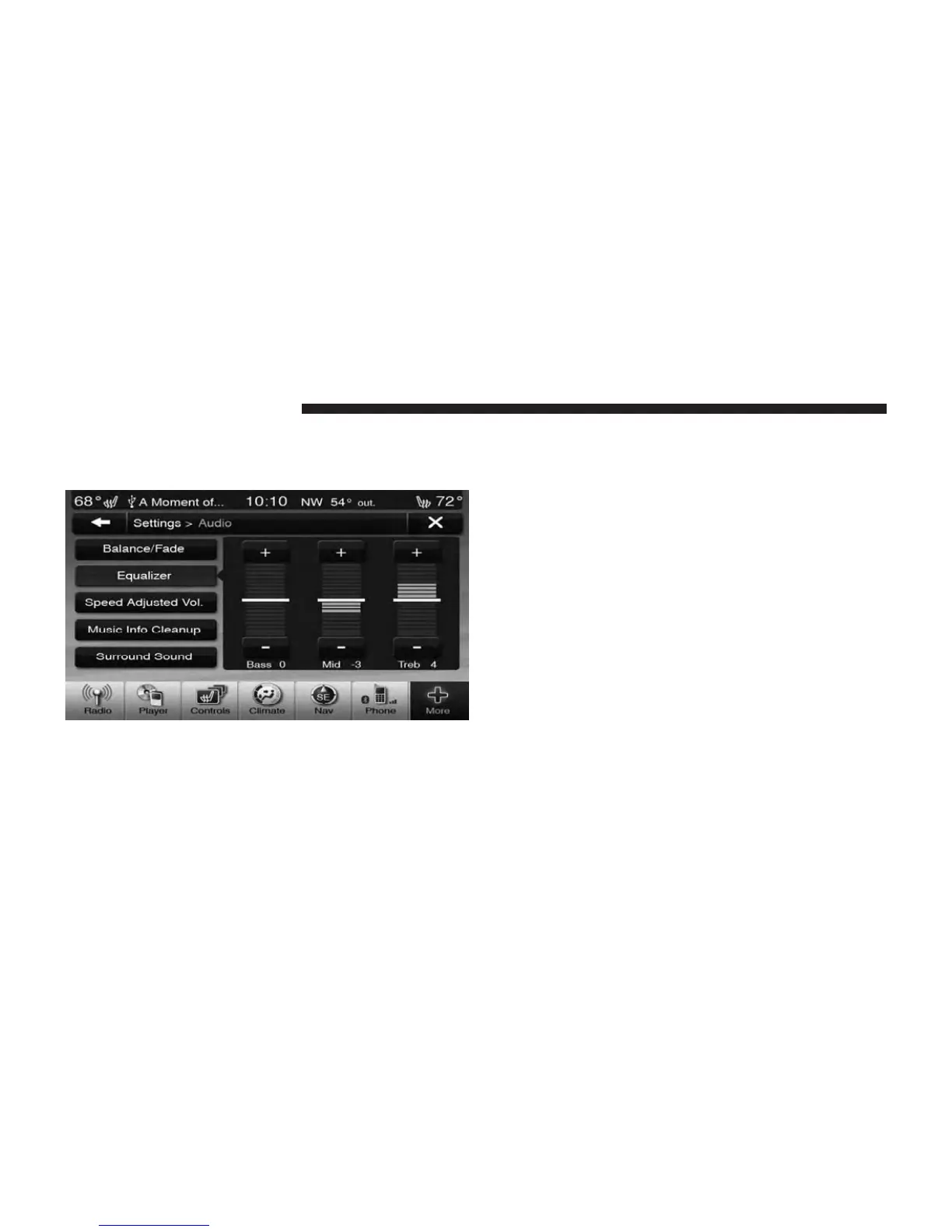
Equalizer
Touch the Equalizer soft-key to activate the Equalizer
screen.
Touch the + or - soft-keys, or by touching and dragging
over the level bar for each of the equalizer bands. The
level value, which spans between ±9, is displayed at the
bottom of each of the Bands.
Speed Adjusted Volume
Touch the Speed Adjusted Volume soft-key to activate the
Speed Adjusted Volume screen.
The Speed Adjusted Volume is adjusted by touching of
the + and - buttons or by touching, and dragging over the
Level Bar This alters the automatic adjustment of the
audio volume with variation to vehicle speed.
OPERATING INSTRUCTIONS – DISC MODE
Overview
Disc Mode is entered by either inserting a Disc or by
touching the Player soft-key located on the bottom of the
display. Once in Player Mode, touch the source soft-key
and select Disc.
52 Uconnect Touch™ 8.4 SYSTEM



 To Next Page