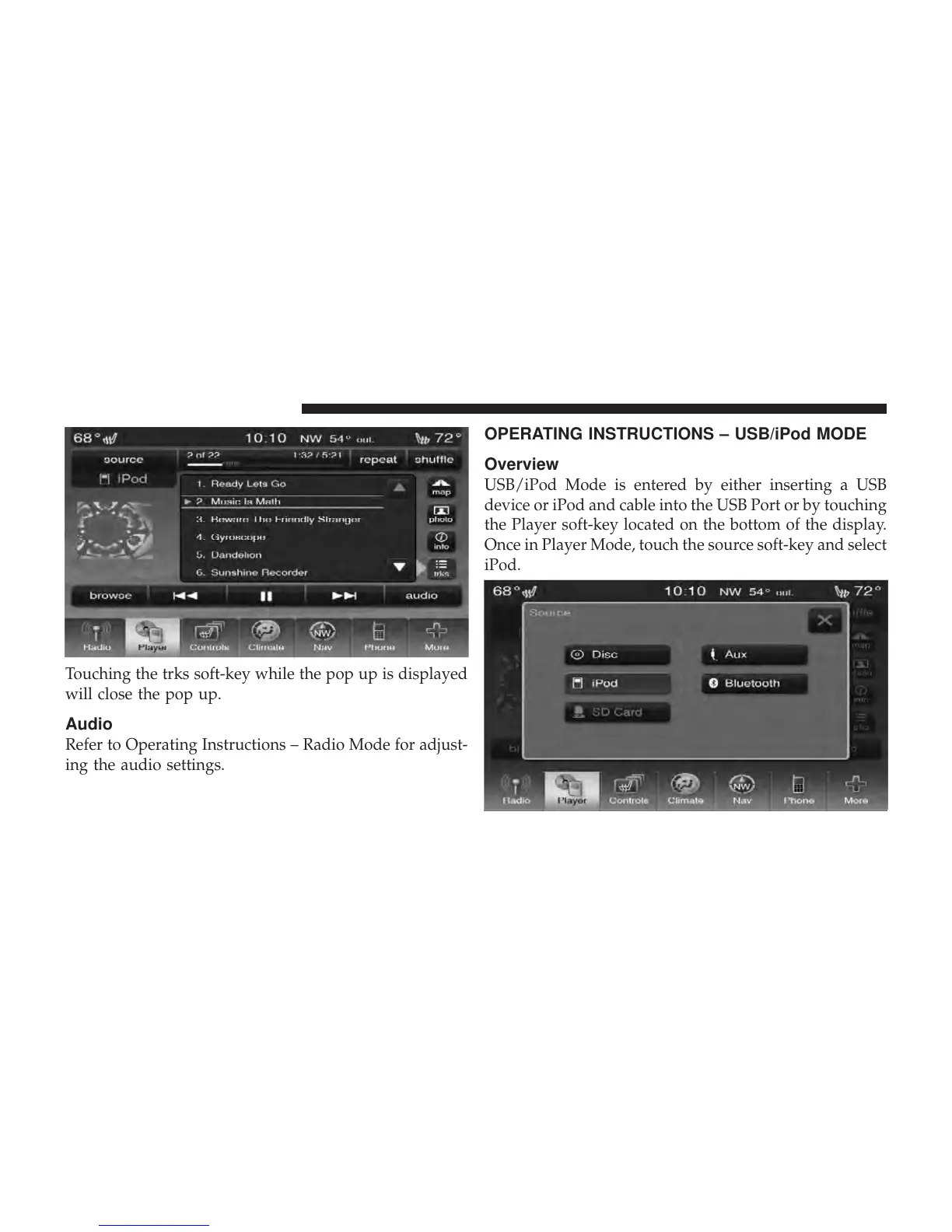
Touching the trks soft-key while the pop up is displayed
will close the pop up.
Audio
Refer to Operating Instructions – Radio Mode for adjust-
ing the audio settings.
OPERATING INSTRUCTIONS – USB/iPod MODE
Overview
USB/iPod Mode is entered by either inserting a USB
device or iPod and cable into the USB Port or by touching
the Player soft-key located on the bottom of the display.
Once in Player Mode, touch the source soft-key and select
iPod.
56 Uconnect Touch™ 8.4 SYSTEM



 To Next Page