ABC, ÅØÜ and 1234!&#@
Touch the ABC key to activate a keyboard with Alpha-
betic characters, or touch the ÅØÜ to activate a keyboard
with accented characters or touch the 1234!&#@ key to
activate a keyboard with Numeric plus Special
characters.
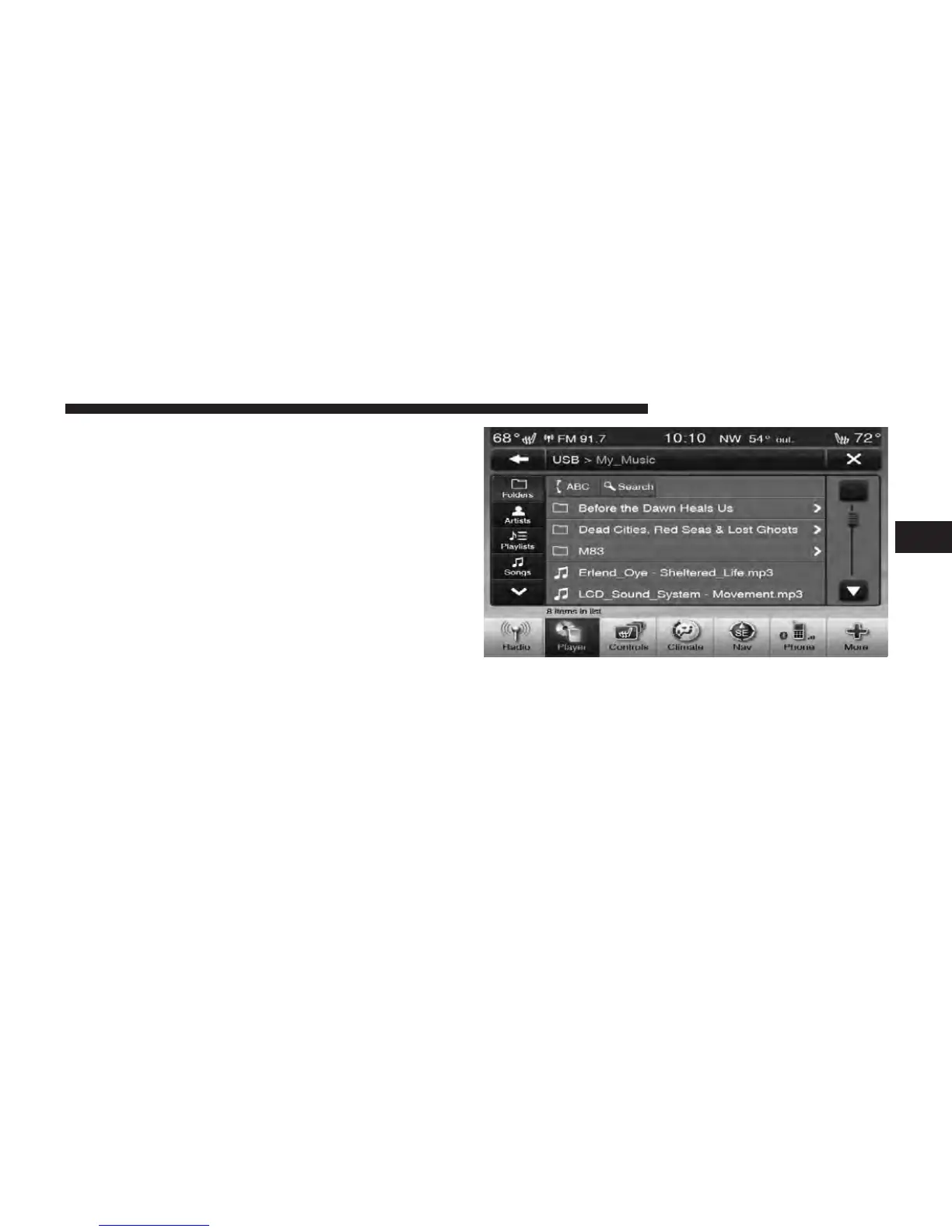
Folders – If Equipped
Touch the Folders soft-key on the left side of the screen to
display the Folders scroll menu. The Folders list consists
of folders, and files sorted alphanumerical, followed by a
list of files sorted similarly. You can Browse the contents
of a sub-folder by touching the Folder Name in the list.
Touch the Back Arrow soft-key to return or back up to a
previous folder level.
Artist
Touch the Artist soft-key on the left side of the screen to
display the Artists list in which you can Scroll, Search,
and Jump to operations.
Playlists – If Equipped
Touch the Playlists soft-key on the left side of the screen
to display the current playlist information.
3
Uconnect Touch™ 8.4 SYSTEM 67



 To Next Page