7 8
APP Control and Settings
Important Notice
In order to control the system remotely (WiFi/App), the Hub must be ‘mains’ pow-
ered via the Power Adapter. WiFi accessibility is disabled after 2 mins and the Hub
beeps 30 times when the Hub Power Adapter is unplugged from the mains power
supply and running on batteries.
System statuses
System Armed
All the sensors detect for anomalies under this Mode; the Hub built-in siren will
sound immediately when a sensor is triggered. You and other pre-authorized users
will receive push notications on your/their phones.
This mode is recommended for when no one is at home, it can be easily set from
the remote control or app.
System in Home Mode
Only the Deactivated Zone sensor will stop detecting under this Mode, which en-
ables you and your family to move freely inside your home without triggering an
unwanted alarm.
Note: The door/window sensors in this kit have been set to Activated Zone by default, you can
refer to page xx and change their zone mode on the “Accessory Settings” of the App.
This mode is recommended for when someone is at home, such as during the night, and can be
easily set from the remote control or app
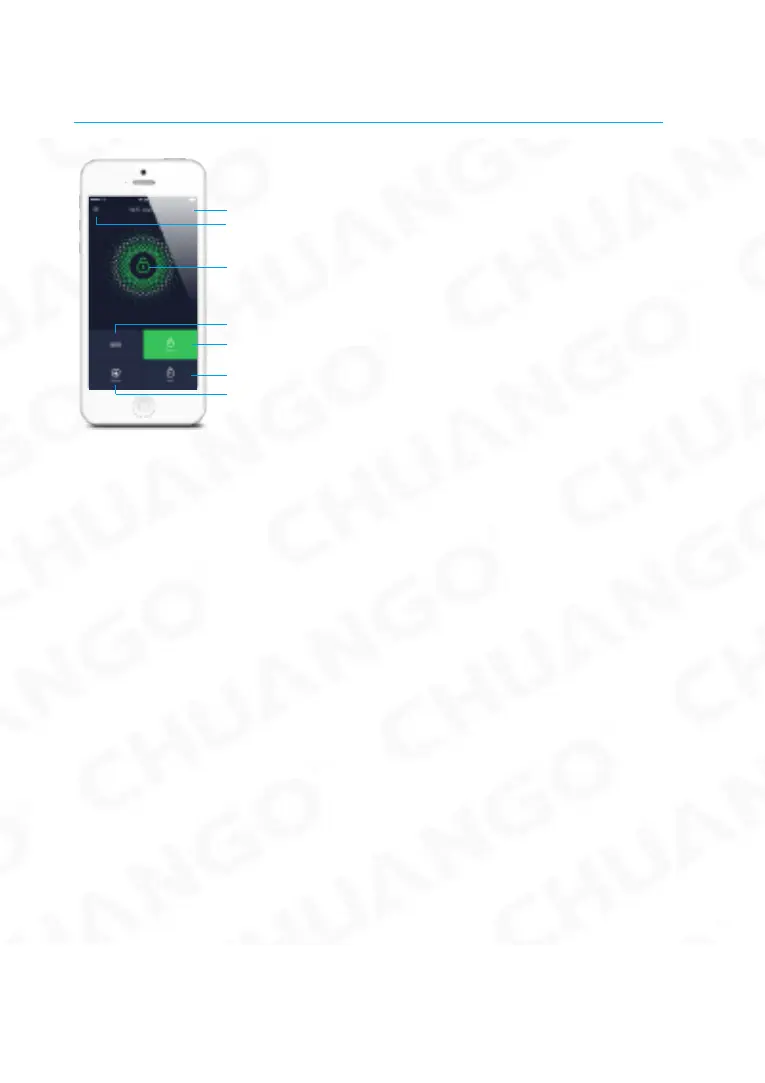
History & Setting
SOS
Account Management
System Status
Arm
Disarm
Home Arm (Part Arm)



 To Next Page