17
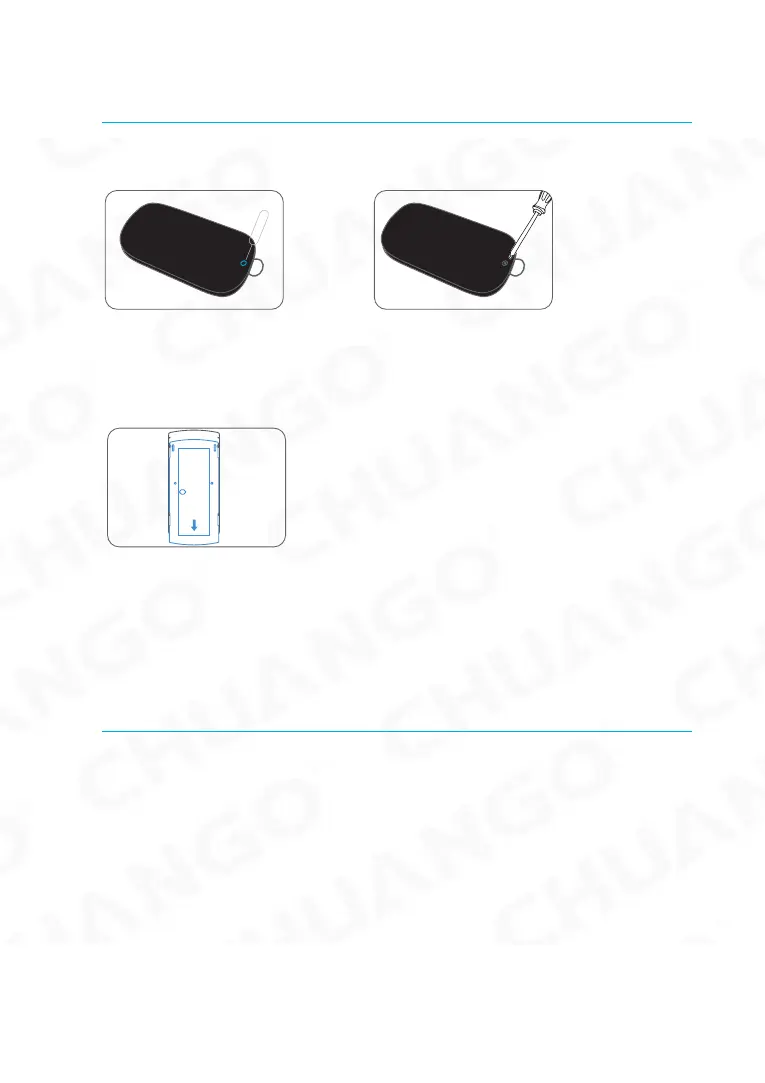
Replacing Accessory Batteries
Remote Control
Remove the screw Open the casing
Door/Window Contact
Open the casing
FAQ
Failed to connect to the WiFi
Check whether the WiFi Indicator on the Hub has stopped ashing
If the WiFi Indicator stops ashing and the Hub cannot be controlled from the App,
please make sure that your local WiFi network is available and working properly.
Check that the WiFi name and password are correct.
Connect to a 2.4G WiFi network instead of 5G
Check that the Power Adapter is connected to the Hub.
Re-linking the Hub to the Router again by following the steps on App



 To Next Page