11 12
Notications
1. Alert Tone
This setting enables you to select a ringtone for alarm notication as you like.
2. Email
This setting enables you to add mailboxes to receive alarm notications.
Account Management
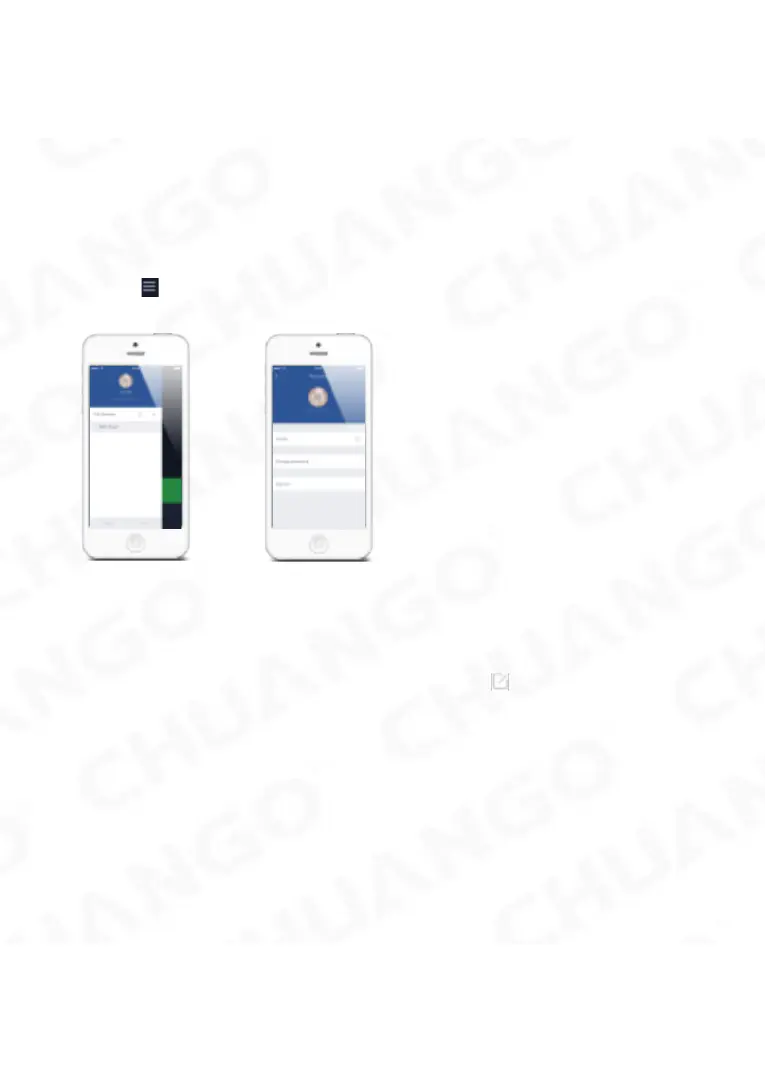
Tap the [ ] icon on the top left of the main page, click the portrait to enter the
account management.
Once you enter this page on the right side, you can edit the account as you want.
Tap on the picture, and you can add or replace your account image by taking a
picture or choosing a picture from your phone’s album.
If you want to change your account name, just tap on the [ ] button and enter a
new name.
Changing your password can also be done on this page.



 To Next Page