Product Introduction
This multipurpose sensor can be used by connecting to AC power or wirelessly by built-in
battery (after it is fully charged). There are two preset working modes: Away Mode and
Home Mode. Easily switch the modes or set schedules to switch on the app.
Please charge it 7-8 hours before use.
In Away Mode, once the sensor detects human movement, the built-in siren sounds, the
LEDs ash, and an app push notication will be sent to you.
In Home Mode, when the sensor detects human movement and the surrounding
brightness is dark or slightly dark, the LEDs will automatically turn on as a night light.
Ambient light sensing function is default on. If it is toggled off, the LEDs will turn on
anytime when motion is detected.
In Away and Home Mode, you can choose to set temperature, humidity and ambient
light detecting range, get notied when values exceeding the preset value.
In Away Mode, turn on smoke alarm sound detection function, you’ll be notied when
your home’s smoke alarm goes off.
* Connect to Wi-Fi directly, no hub needed.
* Set schedules to switch between modes.
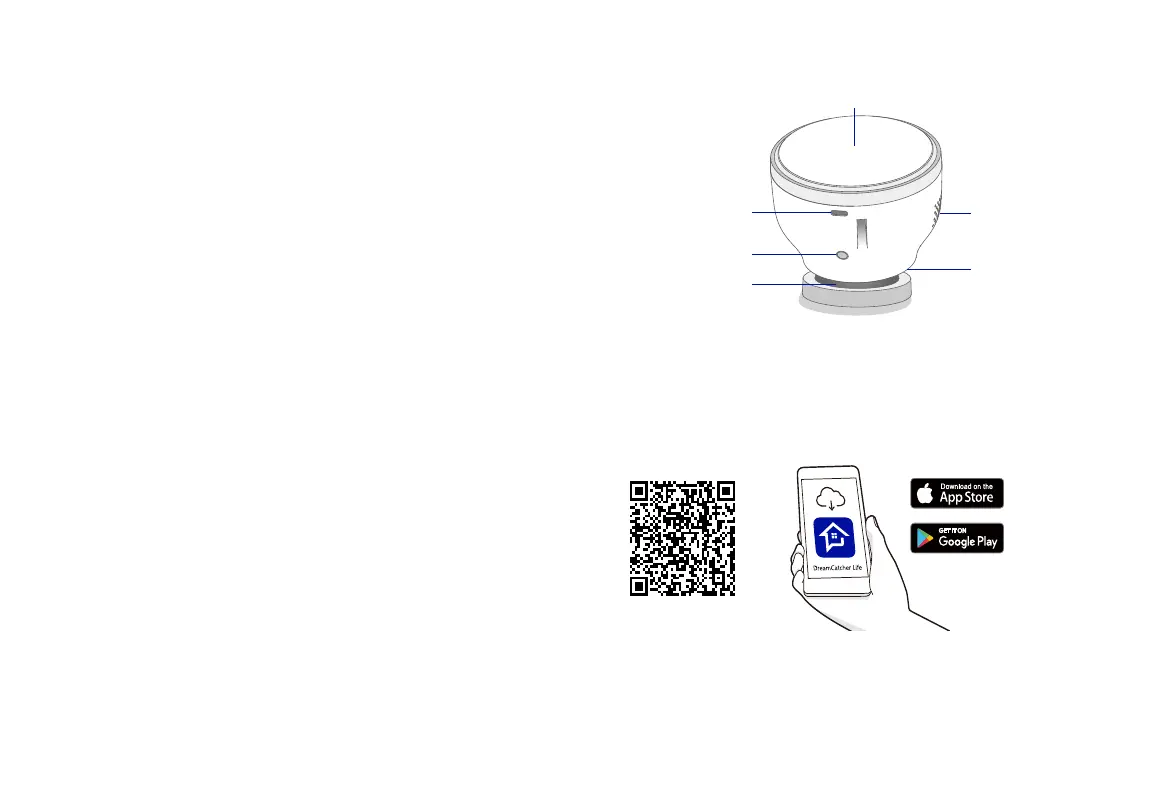
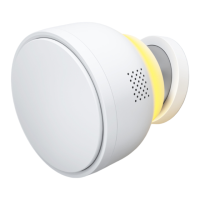
Product Overview
Magnet base
Charging port
Light
Loudspeaker
Magnetic Base
Conguration Button
Loudspeaker
LED Lights
Charging Port
PIR Sensor
Power On the Sensor
Press and hold the conguration button for 3 seconds to turn the sensor on/off.
Download DreamCatcher Life App
After the device is powered on, add it via Bluetooth or via Wi-Fi AP mode.


 To Next Page