15
Smart
You are able to customize different smart functions and interconnections between
the connected devices: Tap-to-Run or Automation.
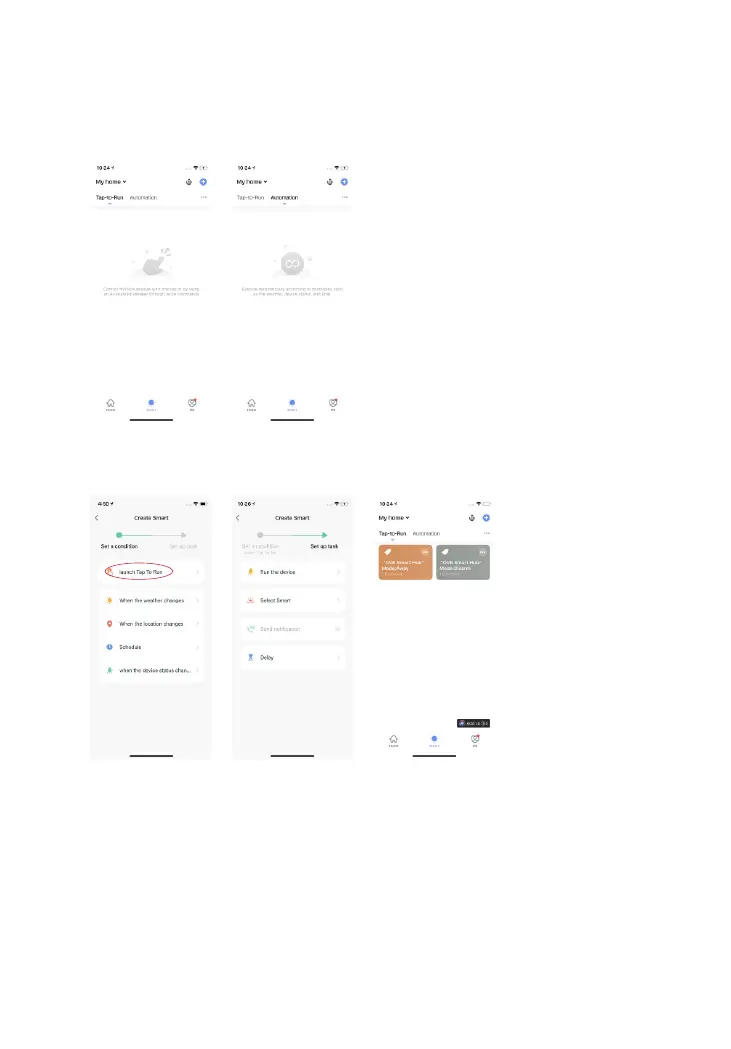
Tap-to-Run: Control multiple devices with one tap.
Steps:
1. Launch Tap-to-Run.
2. Choose device(s) and set up the task.
3. Tap the button, then the device(s) will execute the task immediately.



 To Next Page