9
APP Control and Settings
More Settings
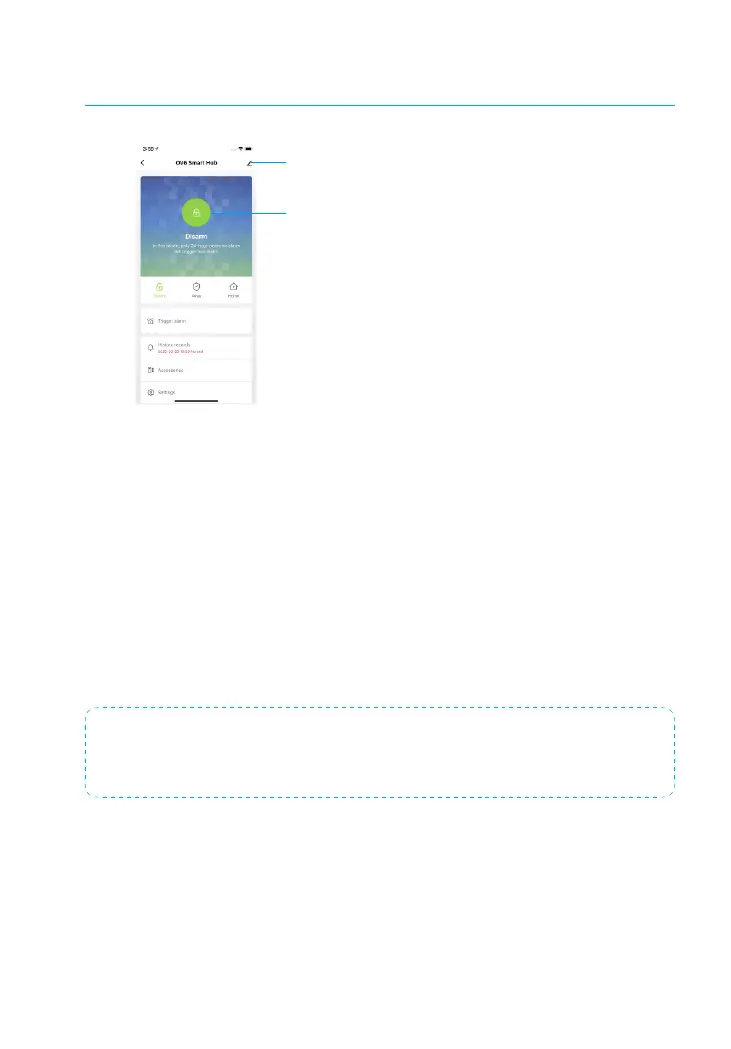
System Status
System Status
Arm (Away Mode)
All sensors will detect for anomalies during this mode. The hub internal siren will
sound immediately when a sensor is triggered. You and other pre-authorized users
will receive push notications on your phones.
This mode is suitable when the property is unoccupied. It can be set from the re-
mote control or app.
Home (Part Arm)
All Home zone sensors will stop detecting during this mode. This allows you and
your family to move freely inside your home without triggering an unwanted alarm.
Note: The door/window sensor in this kit has been set to Armed zone by default, you can
change its zone mode on the “Accessory” section of the App.
This mode is recommended for when someone is at home. It can be set from the remote
control or app.
Disarm
All sensors stop detecting except 24-Hour Zone sensors. All 24-Hour Zone sensors
will trigger the alarm regardless of system status.



 To Next Page