EasyManua.ls Logo

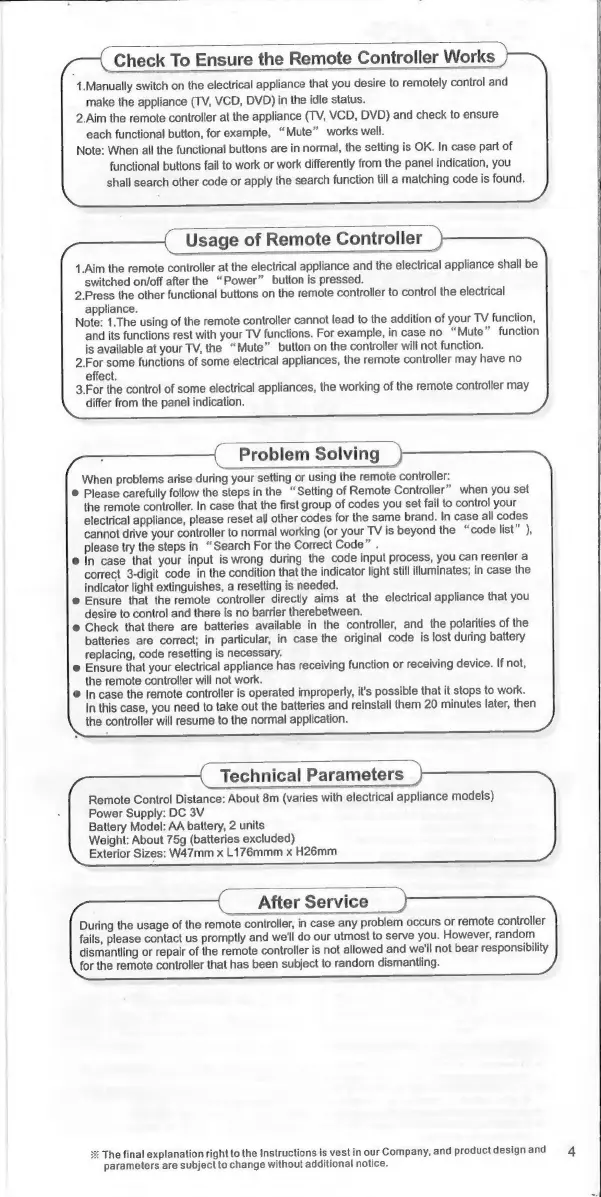
Chunghop RM-88E - Verifying Remote Operation; Remote Controller Usage; Troubleshooting and Problem Solving; Technical Specifications and Support

Default Icon
31 pages
Print Icon
To Next Page IconTo Next Page
To Previous Page IconTo Previous Page
Loading...
Check
To
Ensure
the
Remote
Controller
Works
1.Manually
switch
on
the
electrical
appliance
that
you
desire
to
remotely
control
and
make
the
appliance
(TV,
VCD,
DVD)
in
the
idle
status.
2.Aim
the
remote
controller
at
the
appliance
(TV,
VCD,
DVD)
and
check
to
ensure
each
functional
button,
for
example,
“Mute”
works
well.
Note:
When
all
the
functional
buttons
are
in
normal,
the
setting
is
OK.
In
case
part
of
functional
buttons
fail
to
work
or
work
differently
from
the
panel
indication,
you
shall
search
other
code
or
apply
the
search
function
till
a
matching
code
is
found.
Usage
of
Remote
Controller
.
1.Aim
the
remote
controller
at
the
electrical
appliance
and
the
electrical
appliance
shall
be
switched
on/off
after
the
“Power”
button
is
pressed.
2.
Press
the
other
functional
buttons
on
the
remote
controller
to
control
the
electrical
appliance.
Note:
1.The
using
of
the
remote
controller
cannot
lead
to
the
addition
of
your
TV
function,
and
its
functions
rest
with
your
TV
functions.
For
example,
in
case
no
“Mute”
function
is
available
at
your
TV,
the
“Mute”
button
on
the
controller
will
not
function.
2.For
some
functions
of
some
electrical
appliances,
the
remote
controller
may
have
no
effect.
3.For
the
control
of
some
electrical
appliances,
the
working
of
the
remote
controller
may
differ
from
the
panel
indication.
Problem
Solving
When
problems
arise
during
your
setting
or
using
the
remote
controller:
©
Please
carefully
follow
the
steps
in
the
“Setting
of
Remote
Controller”
when
you
set
the
remote
controller.
In
case
that
the
first
group
of
codes
you
set
fail
to
control
your
electrical
appliance,
please
reset
all
other
codes
for
the
same
brand.
In
case
all
codes
cannot
drive
your
controller
to
normal
working
(or
your
TV
is
beyond
the
“code
list”
),
please
try
the
steps
in
“Search
For
the
Correct
Code”
.
e
In
case
that
your
input
is
wrong
during
the
code
input
process,
you
can
reenter
a
correct
3-digit
code
in
the
condition
that
the
indicator
light
still
illuminates;
in
case
the
indicator
light
extinguishes,
a
resetting
is
needed.
e
Ensure
that
the
remote
controller
directly
aims
at
the
electrical
appliance
that
you
desire
to
control
and
there
is
no
barrier
therebetween.
e
Check
that
there
are
batteries
available
in
the
controller,
and
the
polarities
of
the
batteries
are
correct;
in
particular,
in
case
the
original
code
is
lost
during
battery
replacing,
code
resetting
is
necessary.
e
Ensure
that
your
electrical
appliance
has
receiving
function
or
receiving
device.
If
not,
the
remote
controller
will
not
work.
©
Incase
the
remote
controller
is
operated
improperly,
it's
possible
that
it
stops
to
work.
In
this
case,
you
need
to
take
out
the
batteries
and
reinstall
them
20
minutes
later,
then
the
controller
will
resume
to
the
normal
application.
Technical
Parameters
Remote
Control
Distance:
About
8m
(varies
with
electrical
appliance
models)
Power
Supply:
DC
3V
Battery
Model:
AA
battery,
2
units
Weight:
About
75g
(batteries
excluded)
Exterior
Sizes:
W47mm
x
L176mmm
x
H26mm
After
Service
During
the
usage
of
the
remote
controller,
in
case
any
problem
occurs
or
remote
controller
fails,
please
contact
us
promptly
and
we'll
do
our
utmost
to
serve
you.
However,
random
dismantling
or
repair
of
the
remote
controller
is
not
allowed
and
we'll
not
bear
responsibility
for
the
remote
controller
that
has
been
subject
to
random
dismantling.
ж
The
final
explanation
right
to
the
Instructions
is
vest
in
our
Company,
and
product
design
and
parameters
are
subject
to
change
without
additional
notice.

Related product manuals