KR series(6-10kVA)user’s manual
- 15 -
⑦ “Select”: When UPS is normal, LCD displays normal output voltage. If the button pressed,
the background light on and the LCD display will show input voltage, input frequency, output
power, UPS status etc.
⑧“ON” :When UPS is shutdown, press the button for 1 sec, UPS starts up. When UPS is
running, press the button for 1 sec, UPS will enter battery test model. When battery voltage
reaches the low-voltage point or test time last 10 sec, UPS will stop the function. When battery
is working of INV., press the button for 2 sec, the buzzer will stop the discontiguous beep, but
the warning is not eliminated of battery low-voltage etc.
⑨“OFF” :When UPS is running, press the button for 1 sec, UPS will shut down.
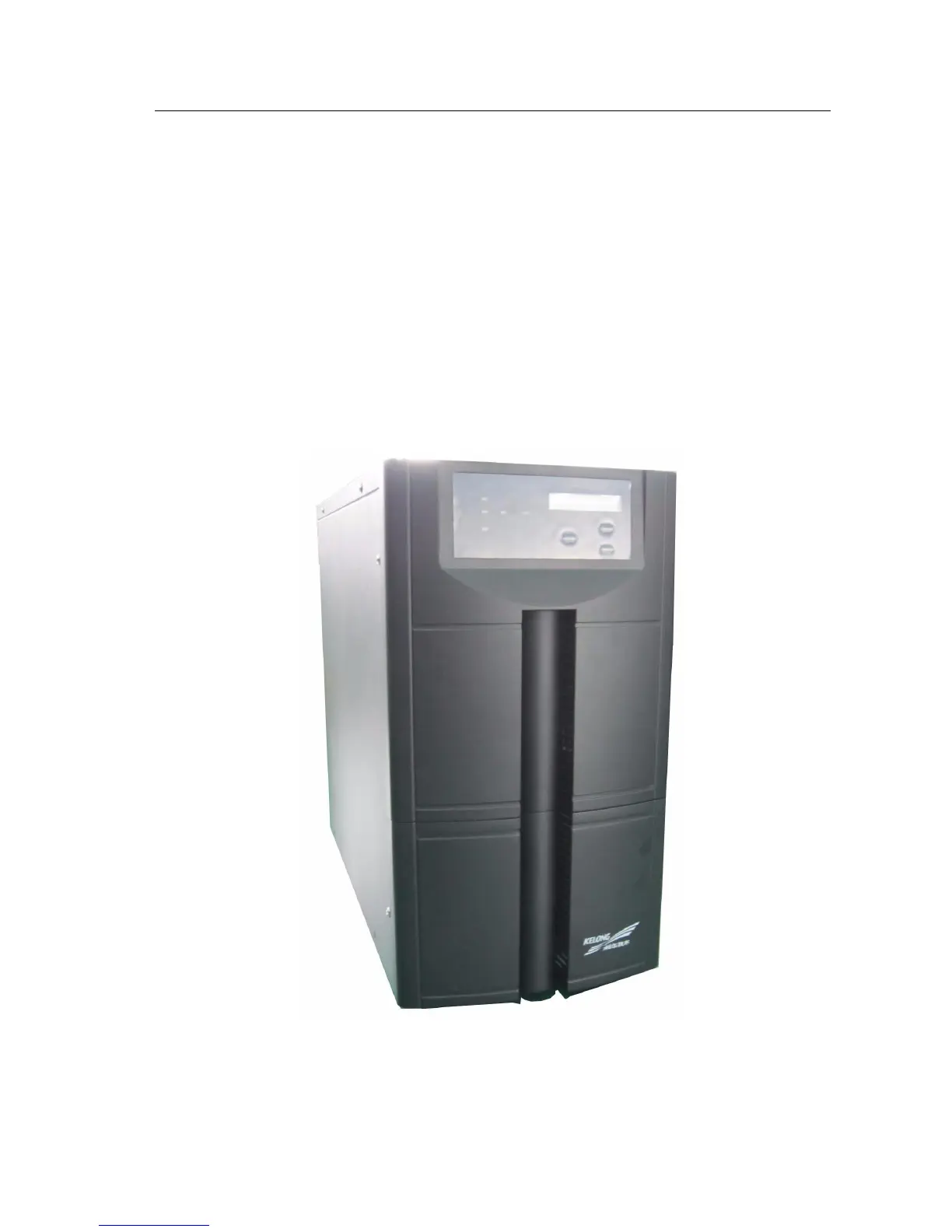
3.3.3 KR6000L, KR(/B)1110, KR(/B)3110 appearance
3.3-3 KR 6000L, KR (B)1110, KR(/B)3110 appearance


 To Next Page