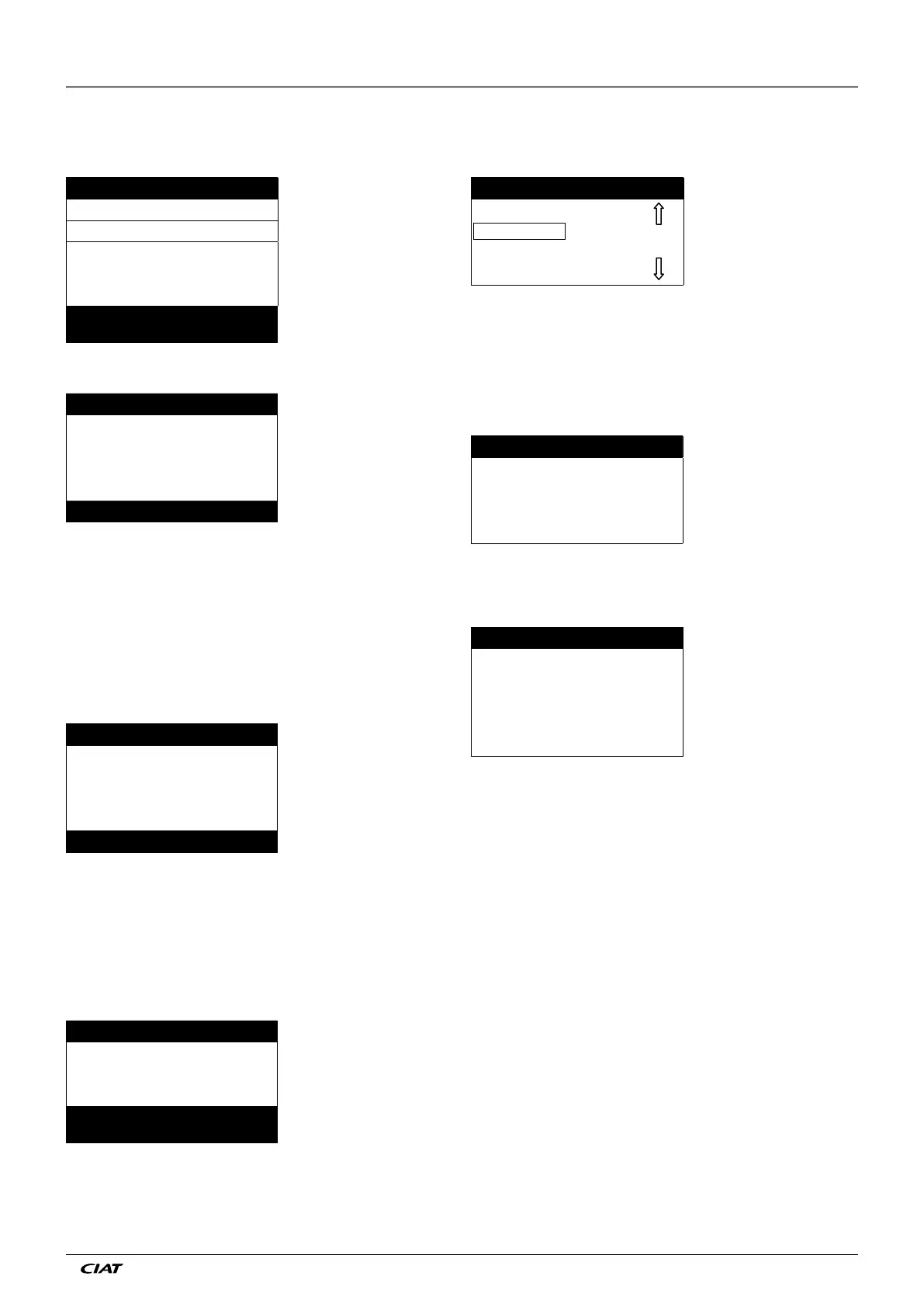
4.7 - Operating mode screen
The unit is in Local Off mode, pressing the on/off (0/1) key once
activates the display of the operating mode screen.
Select Machine Mode Description of the screen
Local On List of the machine operating modes
Local Schedule Cursor
Network
Remote
The Up and Down keys position the cursor on the selected operat-
ing mode. Four modes are immediately displayed on the screen.
T
o access operating modes that are not visible, please use the Up
and Down keys.
When the operating mode has been selected, the new operat-
ing mode can be validated with the Enter key.
Command accepted Operating mode validation screen
When the unit is in an operating mode and the On/off key is
pressed, the unit will stop. A conrmation screen protects the
unit against inadvertent shutdowns.
PRESS ENTER Machine shutdown confirmation
screen
TO CONFIRM STOP
4.6 - Parameter modification
A conguration parameter can be modied by positioning the
cursor and then pressing the Enter key.
\\MAINMENU\SETPOINT Current path in the menu structure
cps1 12.0°C List of items
cps2 14.0°C Cursor position
hps1 40.0°C
hps2 40.0°C
hramp_sp 27.4°C
Cooling Setpoint 2 Description of the item framed by
the selection cursor
The following screen allows modication of a parameter.
Modify value Screen description
csp 2
14.0 °C Current value
_ °C Cursor position
Cooling Setpoint 2 Item description
The Up and Down arrow keys permit the selection of the rst
digit. Pressing the Up key successively scrolls up to the following
symbols:
0, 1, 2, 3, 4, 5, 6, 7, 8, 9, ., -.
The Down key follows the reverse order of the Up key in scroll
-
ing down the digit list above. Each digit is validated with the
Enter key
.
The - sign is only accessible for the rst selected character.
Modify value Description of the screen
csp 2
14.0 °C Current value
13.5_ °C New value before validation
Cooling Setpoint 2 Item description
The value is validated with the Enter key. At any time the return
key cancels the current modication.
ATTENTION: If the user exits from the current data screen, the
value is saved. A saving conrmation is displayed. The Enter
key validates the parameter modication(s). The Return to
the Previous Screen key cancels the current modication(s).
\\MAINMENUSETPOINT Current path in the menu structure
Save changes? Confirmation that the modification
is saved
4 - SETTING UP PRO-DIALOG+ CONTROL
EN - 7 EREBA ACCESS



 To Next Page