5.1 - Start/stop control
The table below summarises the unit control type and stop or
go status with regard to the following parameters.
• Operating type: this is selected using the start/stop button
on the front of the user interface.
LOFF: local off, L-C: local on, L-SC: local schedule, REM:
remote, Net.: network, MAST: Master
• Remote start/stop contacts: these contacts are used
when the unit is in remote operating type (Remote). See
sections 3.6.2 and 3.6.3.
• CHIL_S_S: this network command relates to the unit
start/stop when the unit is in network mode.
• Command set to Stop: the unit is halted.
• Command set to Start: the unit runs in accordance with
schedule 1.
• Start/Stop schedule: occupied or unoccupied status of
the unit as determined by the chiller start/stop program
(Schedule 1).
• Master control type. This parameter is used when the unit
is the master unit in a two chiller lead/lag arrangement.
The master control type determines whether the unit is to
be controlled locally, remotely or through Network (this
parameter is a Service conguration).
• Network emergency shutdown: if this network command
is activated, it shuts the unit down whatever the active
operating type.
• General alarm: the unit is totally stopped due to failure.
5.2 - Heating/cooling/standby operation
5.2.1 - General
The heating / cooling / standby selection applies to all units. But
only liquid chillers, controlling a boiler can change over to heating
mode. Heating/cooling control can be automatic or manual.
In automatic mode the outdoor temperature determines the
heating/cooling/standby changeover based on the two threshold
values congured by the user (see RESETCFG menu for cooling
and heating mode changeover thresholds).
If the unit is in standby it does not cool or heat, and no com
-
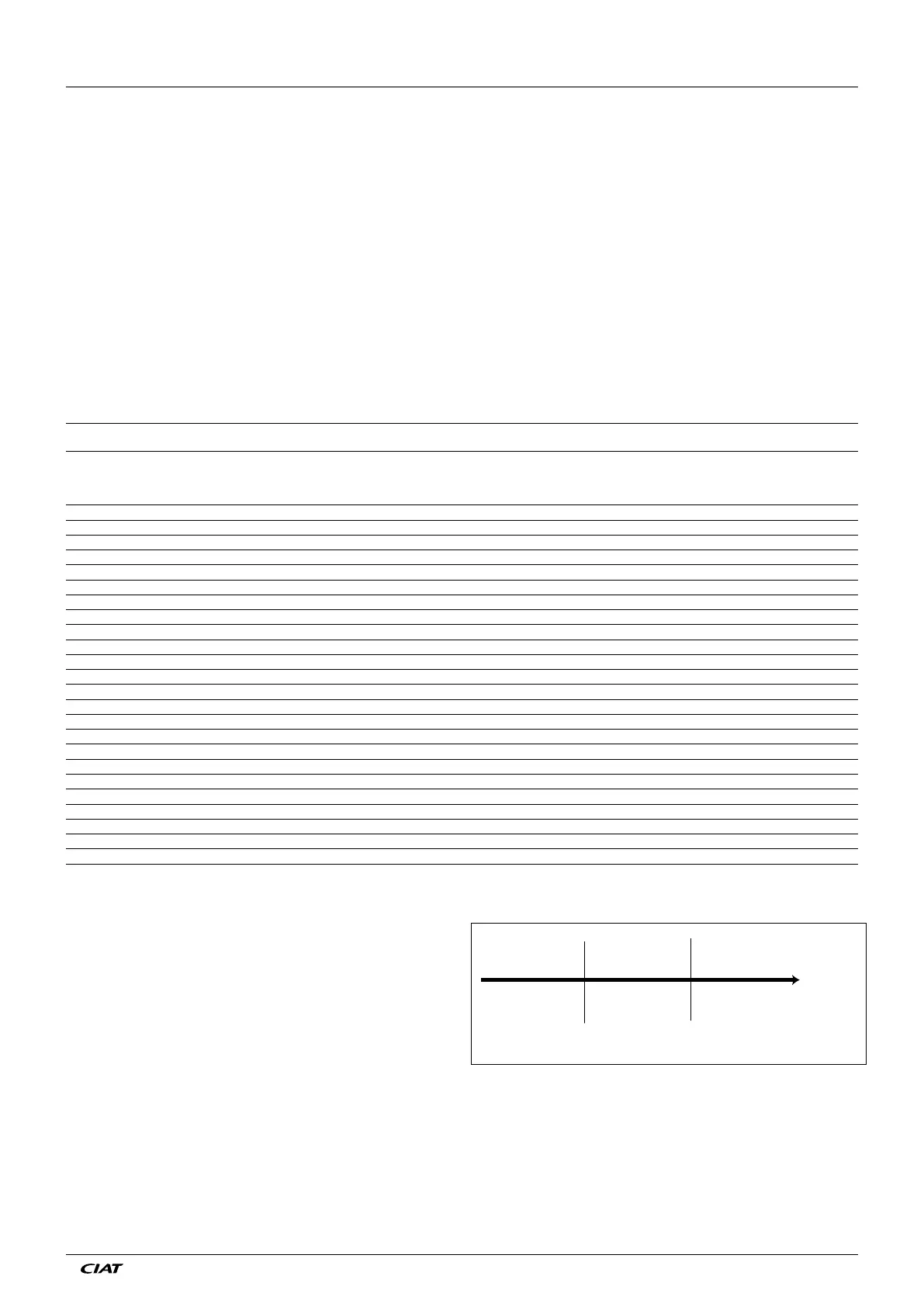
pressor can be activated. The diagram below summarises the
operating principle in automatic mode.
HEATING STANDBY COOLING
Outdoor
temperature
Heating
threshold*
Cooling
threshold
* This threshold does not apply to cooling only units that do not control a
boiler.
ACTIVE OPERATING TYPE STATUS OF PARAMETERS CONTROL
TYPE
UNIT
MODE
LOFF L-ON L-SC rEM Net. MASt CHIL_S_S REMOTE
START/
STOP
CONTACT
MASTER
CONTROL
TYPE
START/STOP
SCHEDULE
MODE
NETWORK
EMERGENCY
SHUTDOWN
GENERAL
ALARM
- - - - - - - - - - Enable - - Off
- - - - - - - - - - - Yes - Off
Active - - - - - - - - - - - Local Off
- - Active - - - - - - Unoccupied - - Local Off
- - - Active - - - Off - - - - Remote Off
- - - Active - - - - - Unoccupied - - Remote Off
- - - - Active - Disable - - - - - Network Off
- - - - Active - - - - Unoccupied - - Network Off
- - - - - Active - - Local Unoccupied - - Local Off
- - - - - Active - Off Remote - - - Remote Off
- - - - - Active - - Remote Unoccupied - - Remote Off
- - - - - Active Disable - Network - - - Network Off
- - - - - Active - - Network Unoccupied - - Network Off
- Active - - - - - - - - Disable No Local On
- - Active - - - - - - Occupied Disable No Local On
- - - Active - - - On cooling - Occupied Disable No Remote On
- - - Active - - - On heating - Occupied Disable No Remote On
- - - Active - - - On auto - Occupied Disable No Remote On
- - - - Active - Enable - - Occupied Disable No Network On
- - - - - Active - - Local Occupied Disable No Local On
- - - - - Active - On cooling Remote Occupied Disable No Remote On
- - - - - Active - On heating Remote Occupied Disable No Remote On
- - - - - Active - On auto Remote Occupied Disable No Remote On
- - - - - Active Enable - Network Occupied Disable No Network On
5 - PRO-DIALOG+ CONTROL OPERATION
EN - 17 EREBA ACCESS



 To Next Page