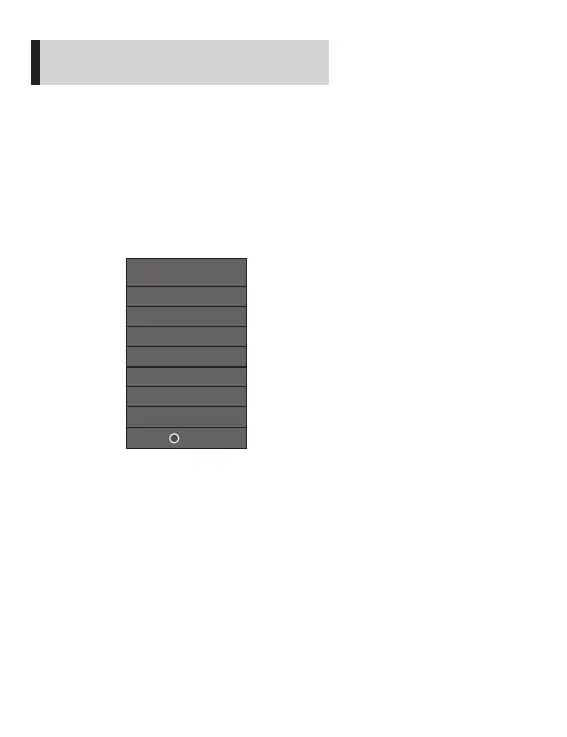
Switch signal sources in the following ways:
Signal source switch
How to quickly install and debug the projector
1. Press the "source" button on the projector panel or the remote controller
to display the menu shown in the following figure.
2. Press the "
”and “ " keys on the projector panel or the remote
controller to select the appropriate input source, and press the "OK" key
on the projector panel or the remote controller to confirm the selection.
9
Signal sources
HD 1
AV
SD
HD 2
OK
USB
PC-RGB(VGA)


 To Next Page