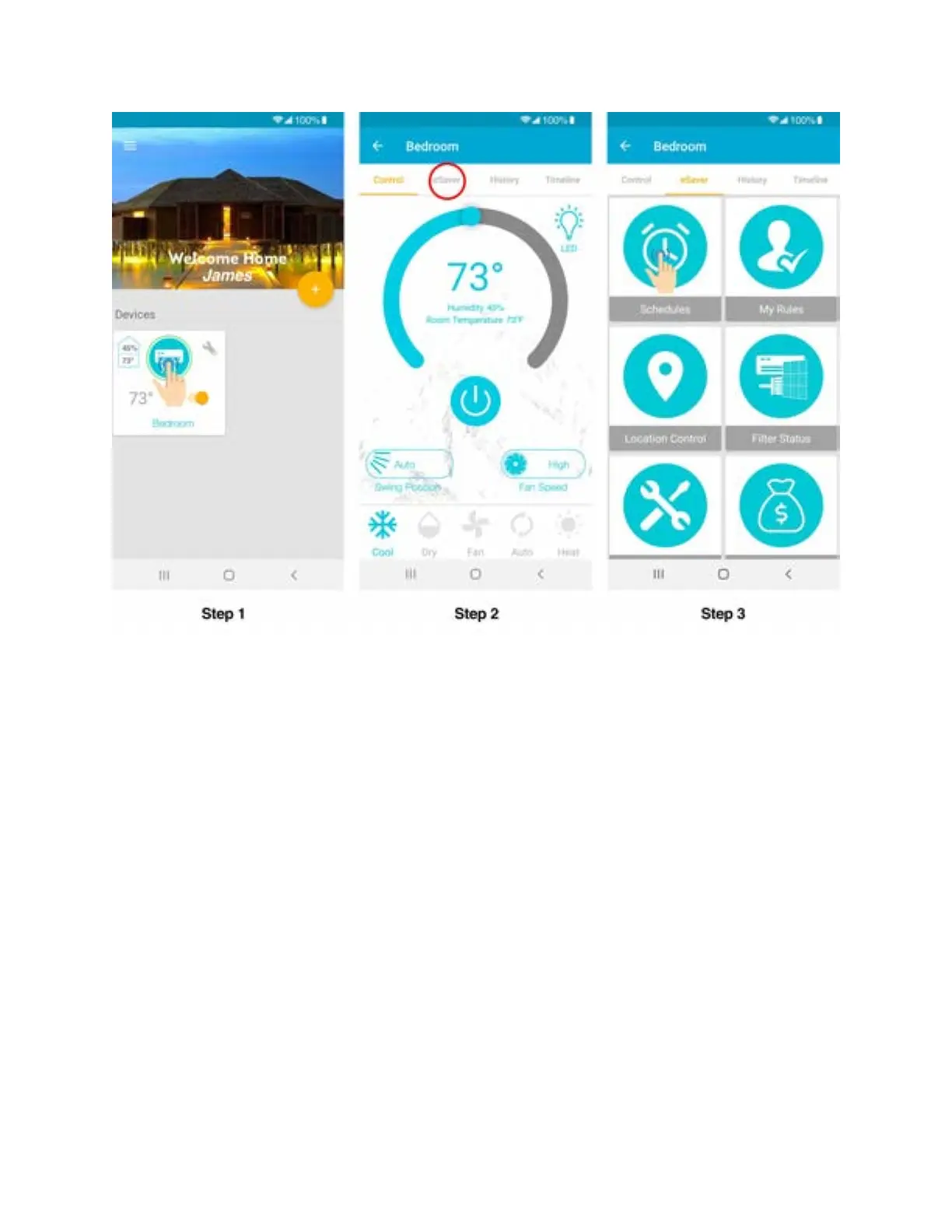
Step 4: Tap the ‘+‘ icon as shown in the red circle.
Step 5: If you want to turn the Air-Conditioner / Heat Pump ON/OFF via schedule, select the
time,
mode, temperature and fan speed of your choice. Select power ON/OFF and select the
day/days you want to set the schedule for. You may also choose the schedule name of
your choice.
Step 6: Tap 'Done' to set-up the schedule. Once the device performs the schedule on your
Air-Conditioner / Heat Pump you will get a notification in your app timeline.



 To Next Page