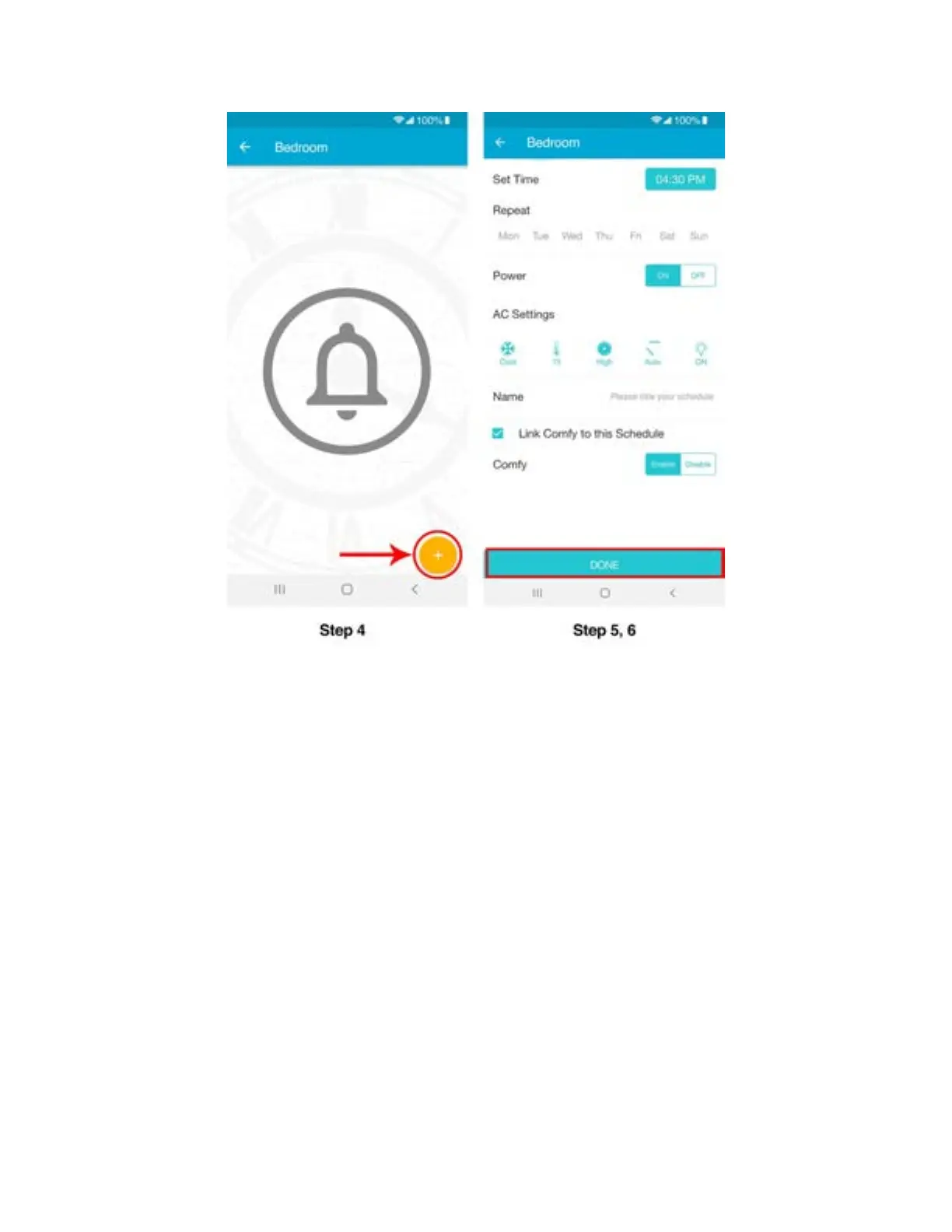
Note: You can also link your Comfy Settings to execute within your Schedules and may also
enable or
disable them to your liking.
2. Deleting/Editing a schedule
Step 1: Tap on ‘Schedule’. Here you will see all your set schedule/schedules.
Step 2: Tap on the schedule if you wish to edit it.
Step 3: Swipe left on the schedule if you want to delete it.



 To Next Page