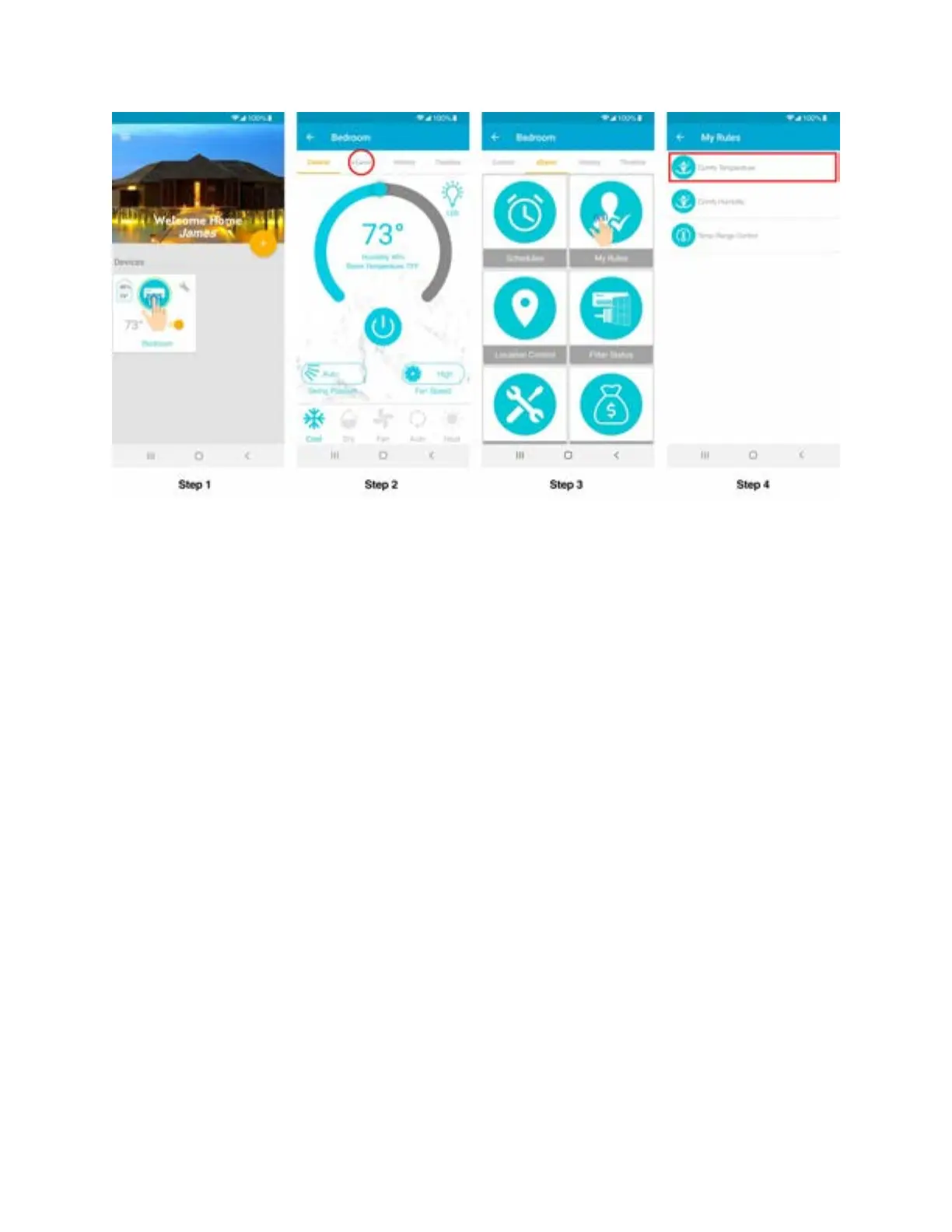
Step 5: Choose your preferred temperature range.
Step 6: Select what actions to perform if the temperature falls below or goes above the set range
e.g. turning the AC off or on, changing its mode, temperature and fan speed helping it
get back into the preferred temperature range.
Step 7: Tap 'Done' to enable it. Once the device triggers the defined comfy temperature mode
actions you will get a notification in your app timeline.



 To Next Page