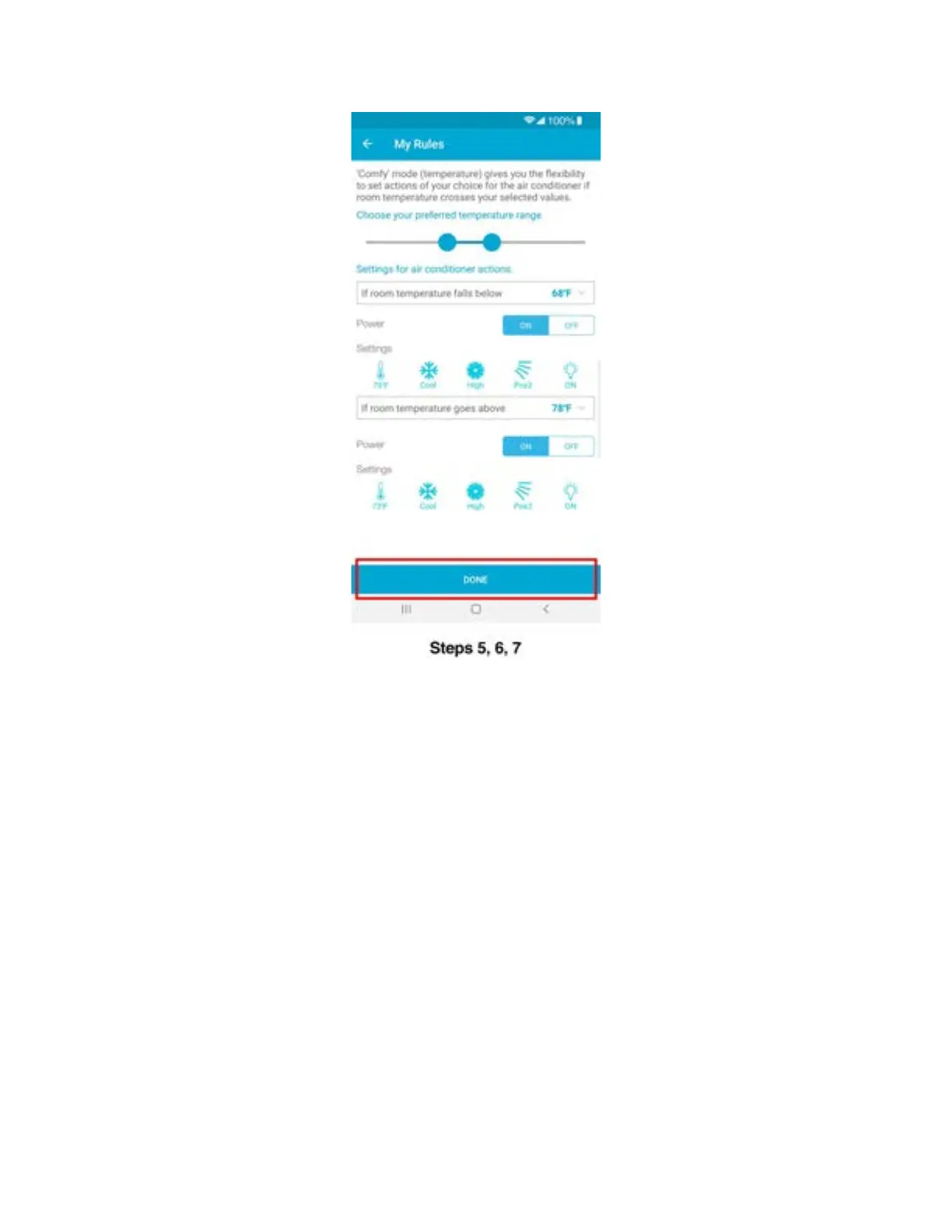
Step 5C: Setting up Comfy Humidity Mode (Automatically
change your AC settings if room humidity goes
above or falls below a pre-set value) - Android users
You can set up comfy humidity mode for your Air-Conditioner / Heat Pump by performing these
steps via Cielo Home app:
Step 1: On the Home screen, tap on the Air-Conditioner / Heat Pump you want to set comfy
humidity mode on.
Step 2: Tap on ‘eSaver’ in the navigation bar.
Step 3: Tap on 'My Rules'.
Step 4: Tap on ‘Comfy Humidity’.



 To Next Page