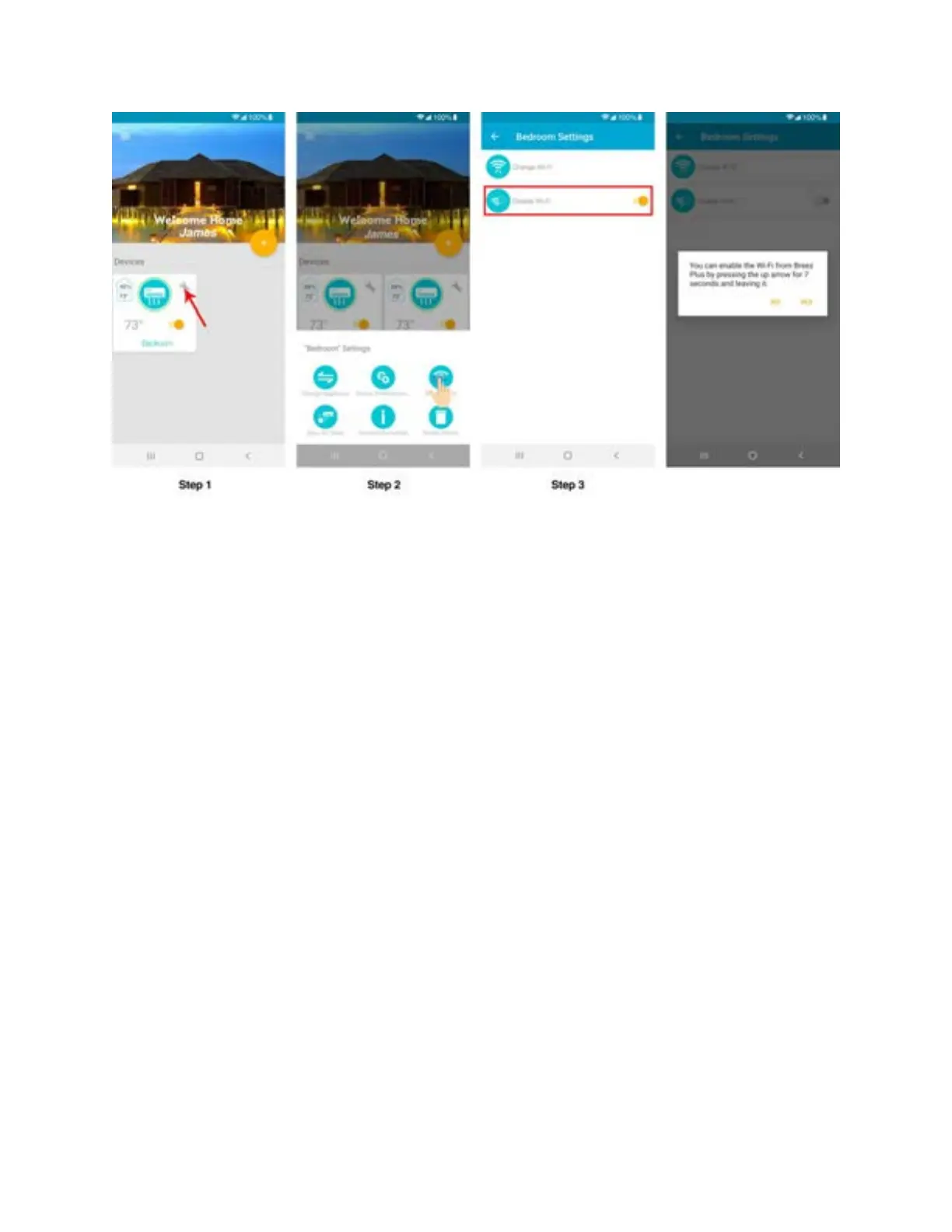
Note: if you disable the Wi-Fi using your phone, it can ONLY be enabled from the device. To
Enable it again, please ‘press and hold the temperature up button on Device for six seconds and
release’.
Step 5M: Sync AC State (e.g. AC is ON and App is showing
it as
OFF) - Android users
Step 1: Tap on ‘Wrench’ of your registered Device.
Step 2: In Device settings, tap on 'Sync AC State'.
Step 3: Select the current operational state of your air conditioner (e.g. Power, mode,
temperature) and tap on 'Sync'.



 To Next Page