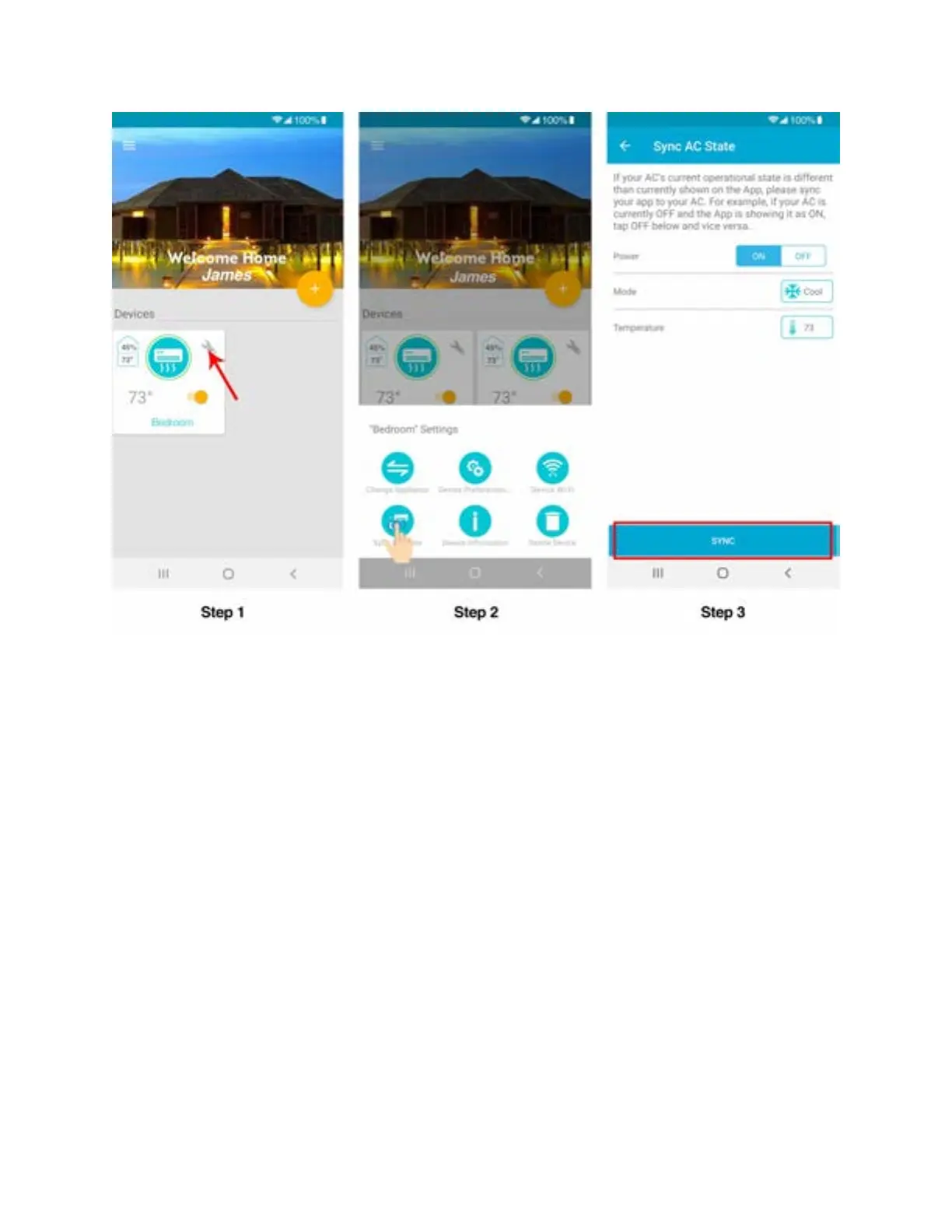
Step 5N: Breez Plus Device Display Settings - Android users
1. Switching Device (Breez Plus) Display Screen ON/OFF
Step 1: Tap on ‘Wrench’ of your registered Device.
Step 2: In Device settings, tap on 'Device Preferences'.
Step 3: In Device preferences, tap on ‘Turn ON/OFF Display’ to choose your desired setting.



 To Next Page