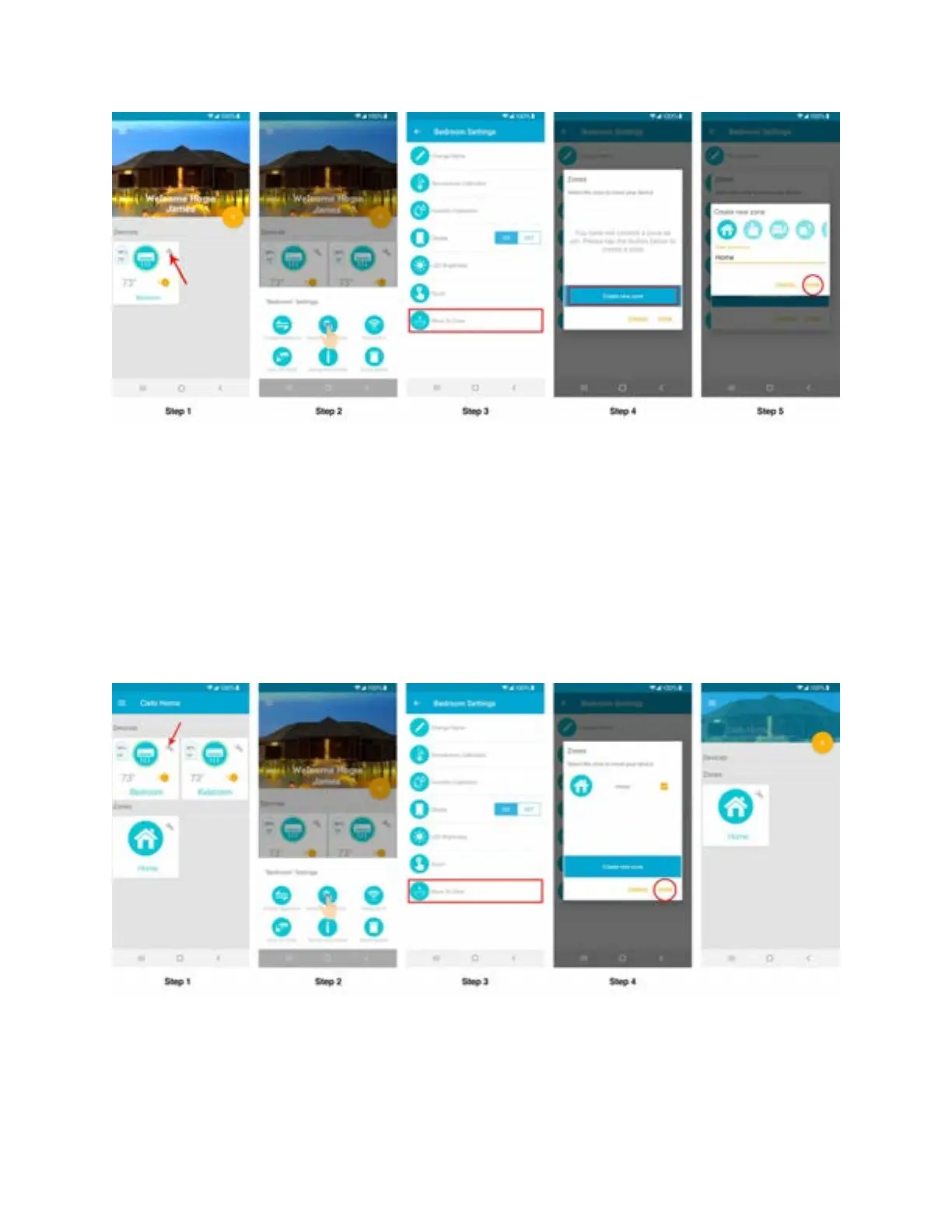
2. Adding a Device to a zone
Step 1: Tap on ‘Wrench’ of the device you would like to add in a zone.
Step 2: In Device settings, tap on 'Device Preferences'.
Step 3: In Device preferences, tap on "Move to Zone"
Step 4: A list of available zones will appear and you can add your device to one of the existing
zones.
3. Removing a Device from a zone
Step 1: To remove a Device from a zone, tap on the zone where your Device has been added.



 To Next Page