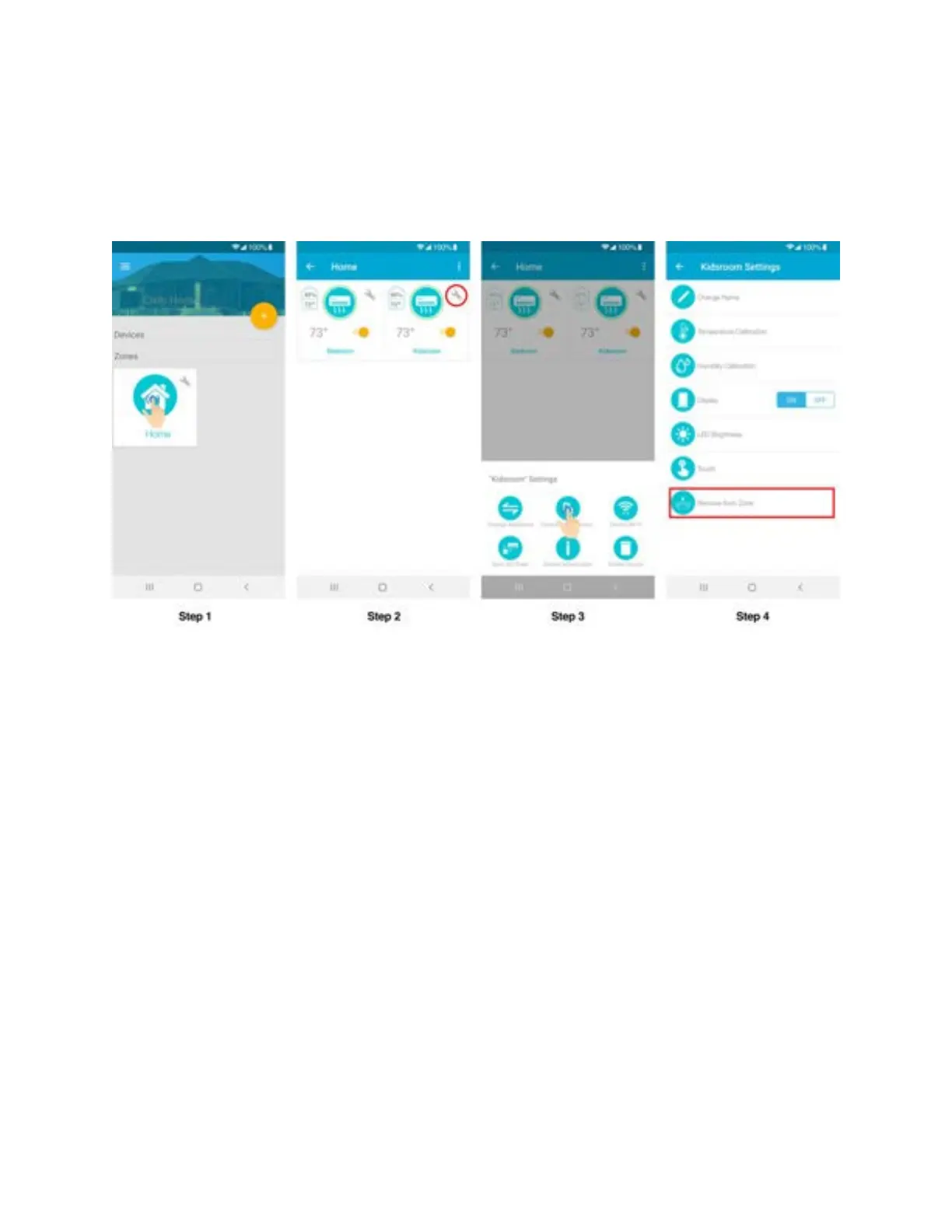
Step 2: Tap on ‘Wrench’ of the Device you wish to remove.
Step 3: In the Device settings, tap on 'Device Preferences'
Step 4: In Device preferences, tap on ‘Remove form Zone’.
4. Editing a zone
Step 1: Tap on ‘Wrench’ of the zone you wish to edit.
Step 2: In zone settings, tap on ‘Edit Zone’. You can change the icon and name of the zone as
you
desire.



 To Next Page